Activating your SolidWorks
The last step needed to use SolidWorks is activating your account.
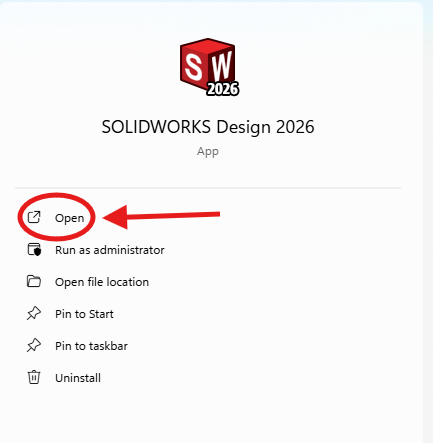
1. First find the SolidWorks Design Icon and open it.
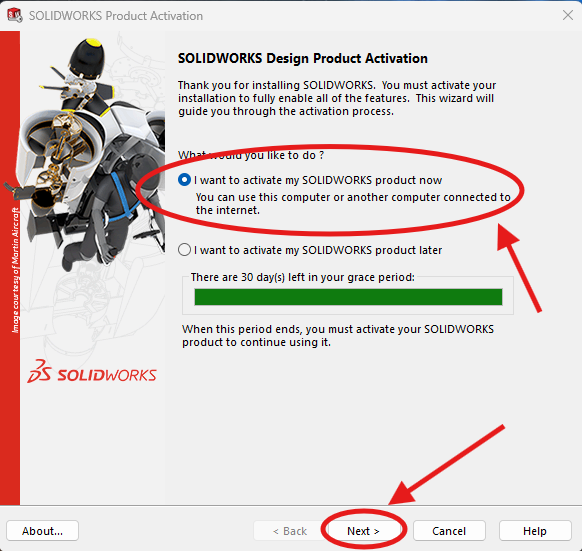
2. Next a pop-up will show up
Make sure (I want to activate my SOLIDWORKS product now) is selected
Then click Next
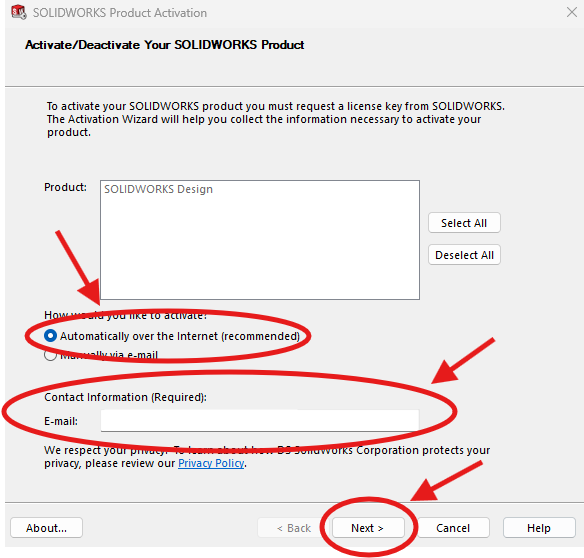
3. Make sure (Automatically over the Internet) is selected, and make sure your email is in the Contact Info section.
Then click Next
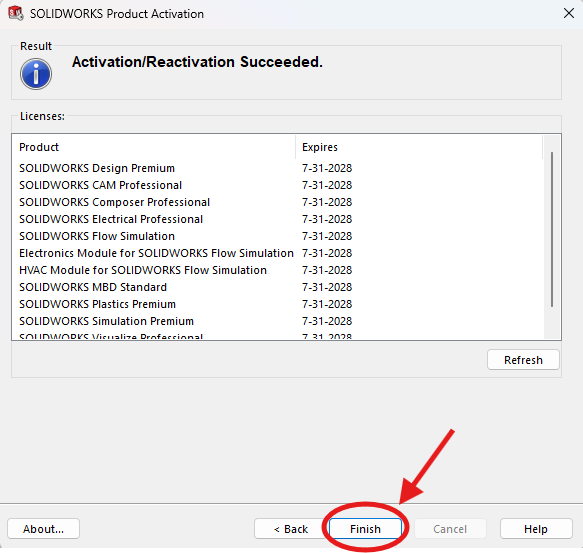
4. After a little bit you will see a (Activation Succeeded) page and click Finish to continue.
If you have any issues with this, send a message and screenshot in CAD chat.
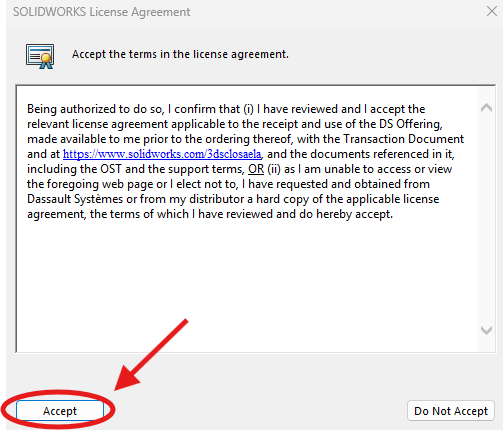
Lastly click accept on the license agreement and you are done!