Deploying Code for Blizzard
We always want to make sure that our robots are running the correct version of code during demos. We definitely don't want little kids driving the robot at max speed and shooting balls at max velocity!
The code for Blizzard is located in the rebuilt-2026 repository on GitHub, which you can find here. Be sure to clone the repository on IntelliJ on the DS before the demo if it isn't there already.
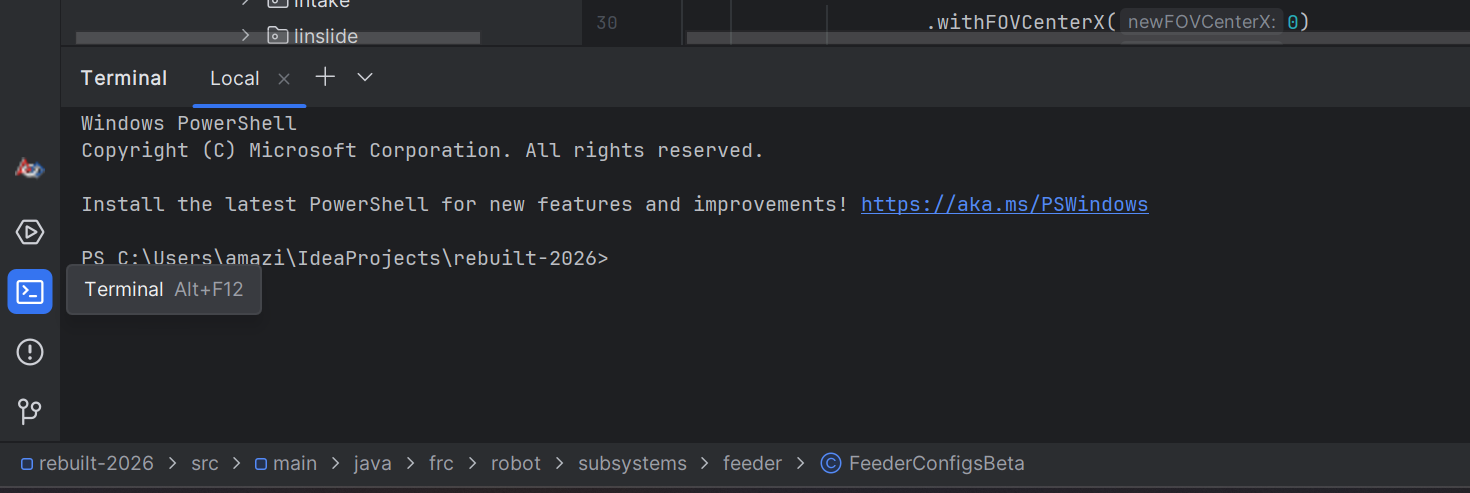
1. The demo code for Blizzard is on the blizzard-demo branch. To get there, open the terminal using this icon:
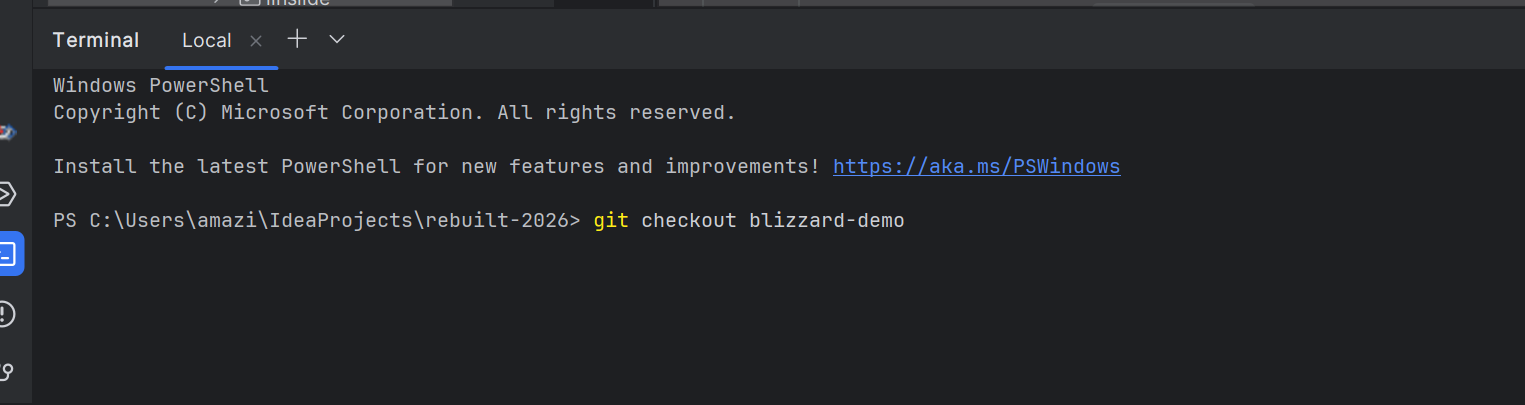
2. Then, type git checkout blizzard-demo to navigate to the demo branch:
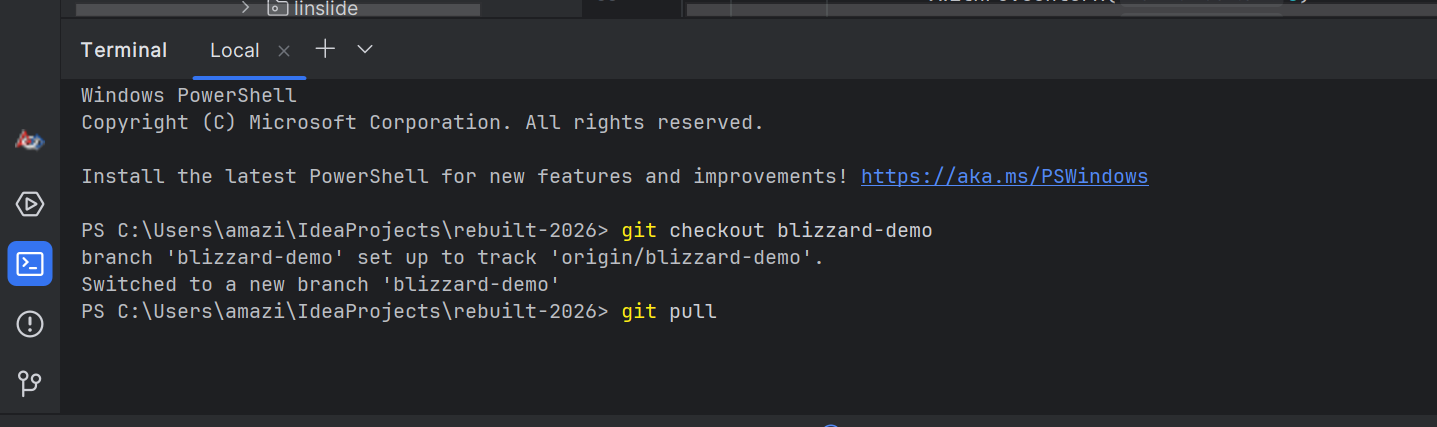
3. Next, we want to update the branch with any changes that have been made to the code, so type in git pull into the terminal:
4. To connect to Blizzard, make sure the field radio is connected to the DS using the dongle or through ethernet. The DriverStation application should show the Communications bar as Green
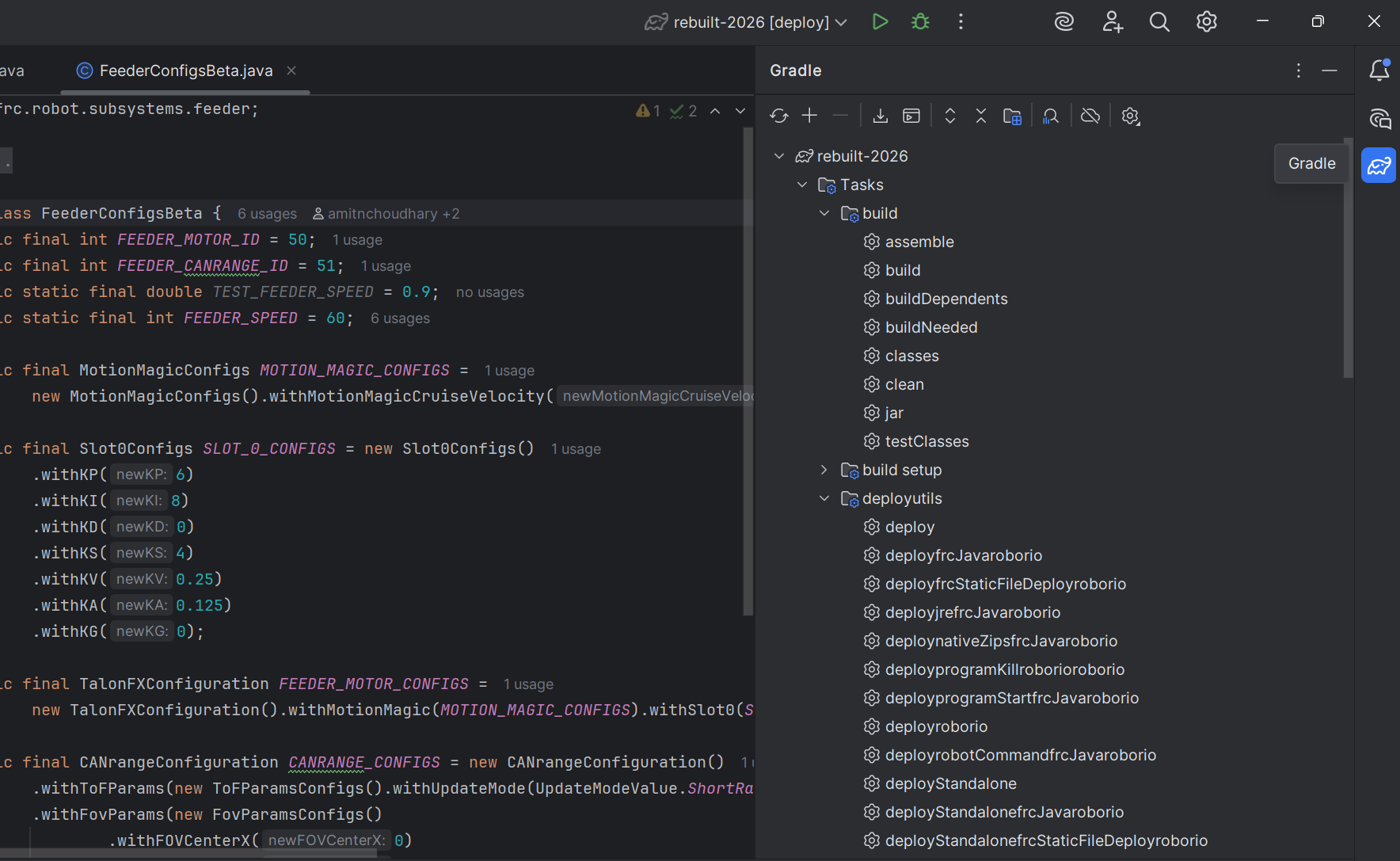
5. Once this is done, open the Gradle tab on IntelliJ (the little elephant on the right side-bar):
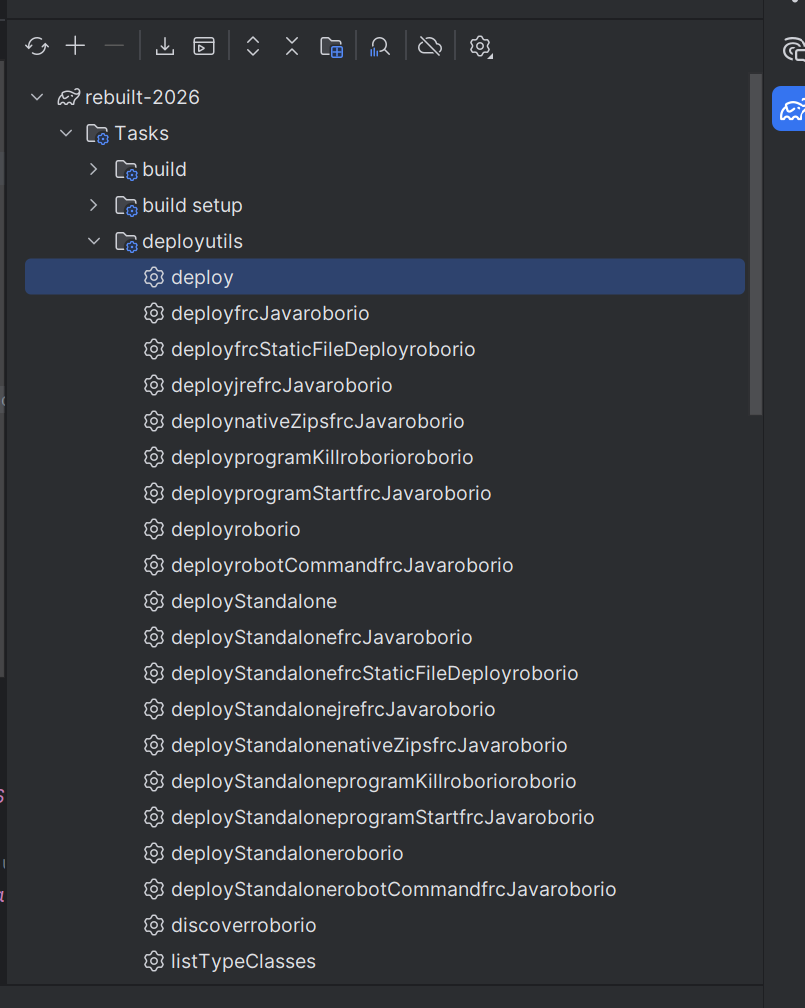
Great! Now the correct code is deployed to Blizzard. This demo branch exists for Blizzard so it doesn't rely on AprilTags for localization, and it has a slower max speed. Wait a couple seconds for the code to deploy, and you are good to go!