# Step by step on how to use the CBA battery tester
##### **Step 1**
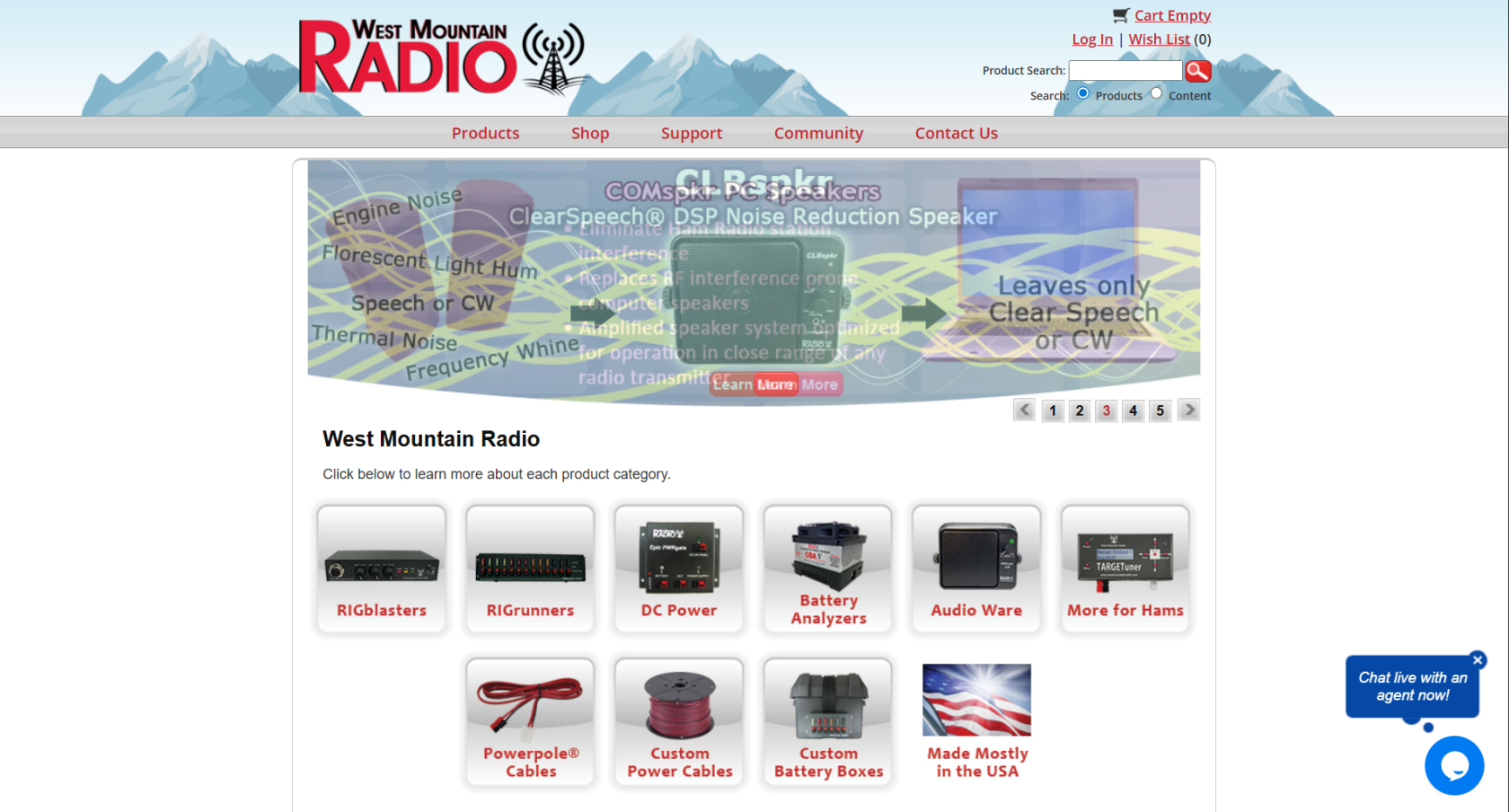
First you will have to go to the west mountain radio clik [here](https://www.westmountainradio.com/) to acces and then it should look like this
[](https://wiki.yetirobotics.org/uploads/images/gallery/2026-04/pqhimage.png)
if it does not work or the page does not look like this then jut search west mountain radio in your web browser and clik the link that says West Mountain Radio: Home or something similar
##### **Step 2**
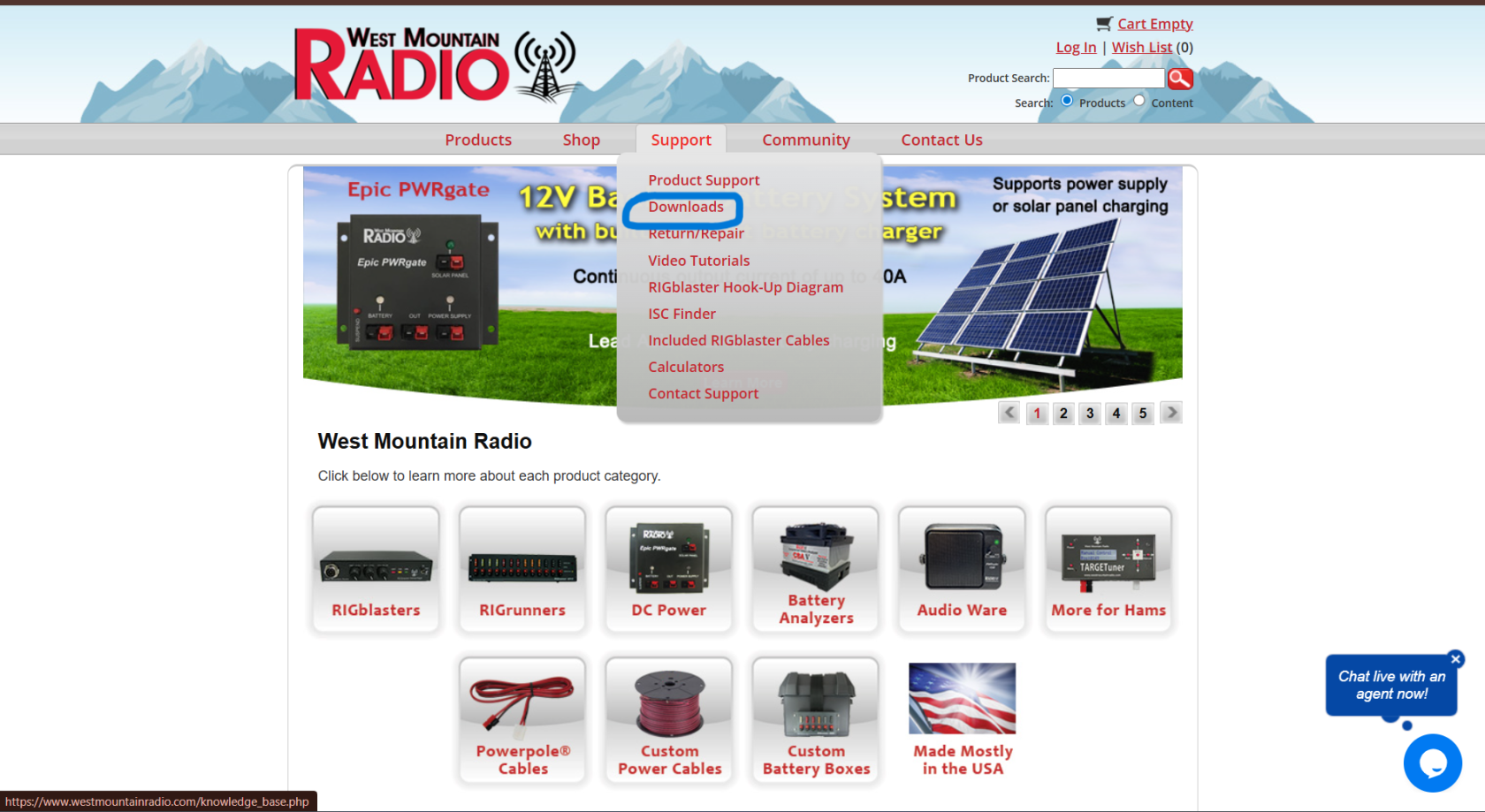
Now you will hover your mouse over support and clik on dowloads
[](https://wiki.yetirobotics.org/uploads/images/gallery/2026-04/captura-de-pantalla-2026-04-16-165913.png)
##### **Step 3**
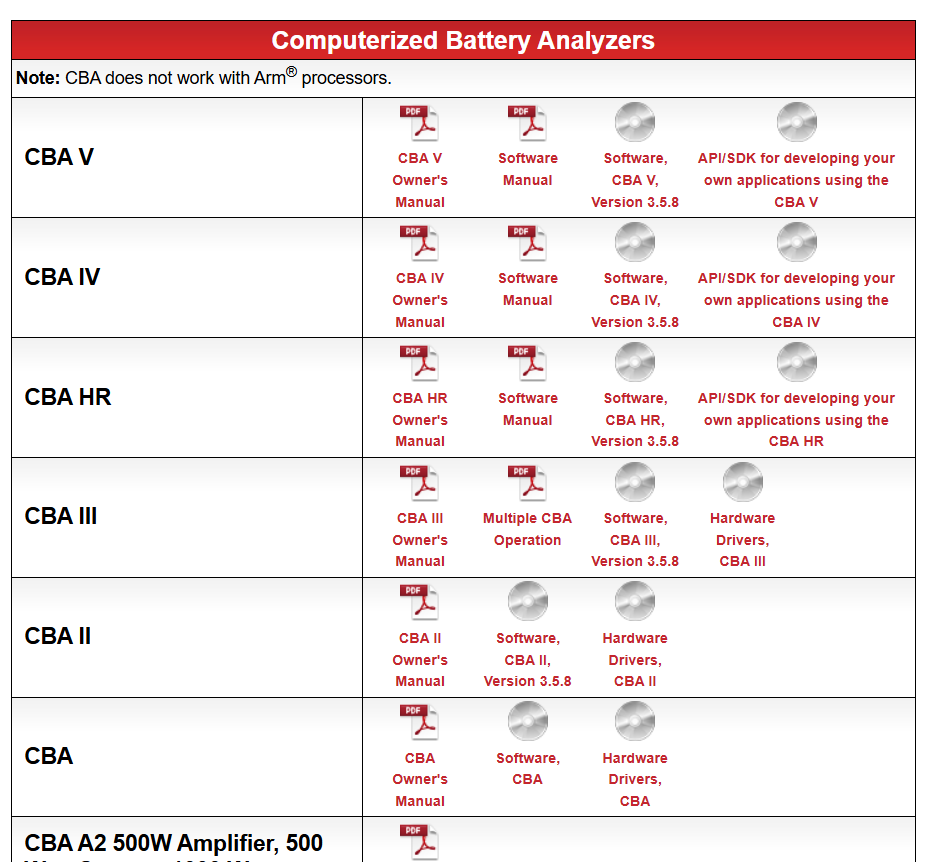
Once you click on dowloads you will have to scroll dow till you see a title on a red box that says computerised battery analyzers
[](https://wiki.yetirobotics.org/uploads/images/gallery/2026-04/D1Oimage.png)
##### **Step 4**
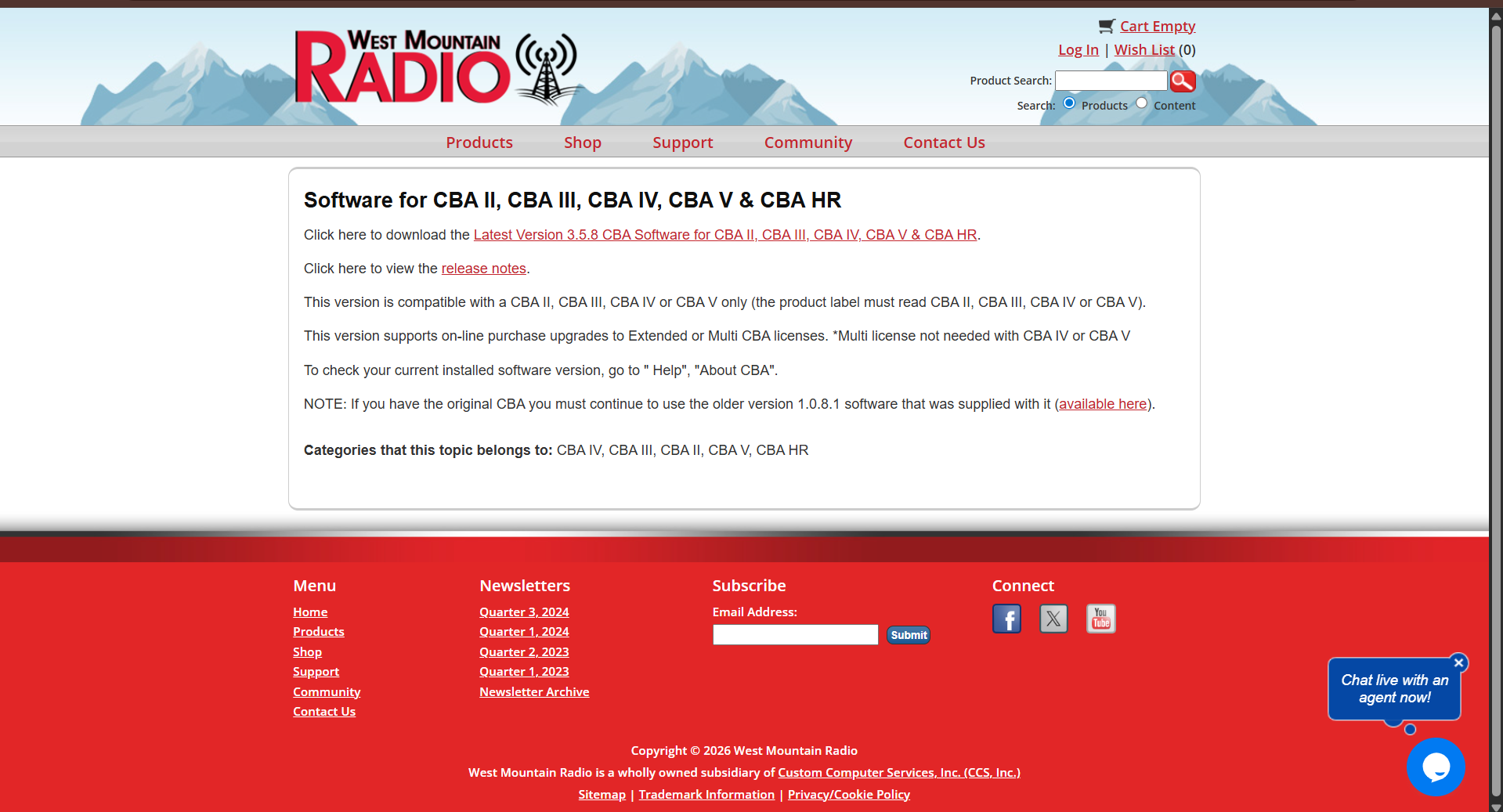
now you will have to find cba V wich it should be the firt one and click on software CBA HR, Version 3.5.8 (as of right now) once cliked you will be directed to this page
[](https://wiki.yetirobotics.org/uploads/images/gallery/2026-04/FJIimage.png)
##### **Step 5**
now you will clik on the thing that says click here to dowload Latest Version 3.5.8 CBA Software for CBA II, CBA III, CBA IV, CBA V & CBA HR
##### **Step 6**
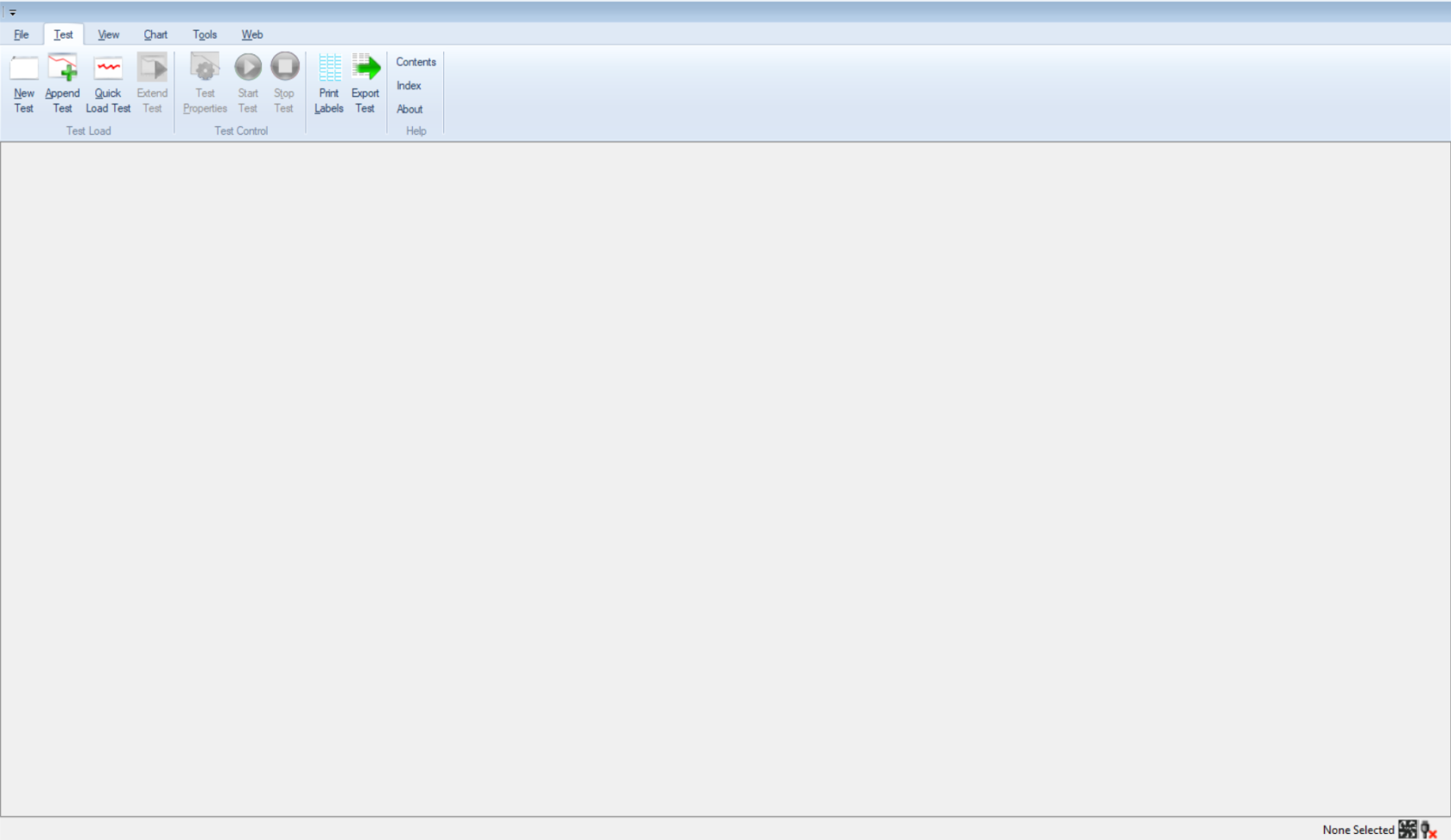
once you do the hole proces of dowloading you will open the app (called CBA sofware)and be on this page
[](https://wiki.yetirobotics.org/uploads/images/gallery/2026-04/1T1image.png)
check the next page on how to do a discharge test