Creating the Top Level
What is a Top Level?
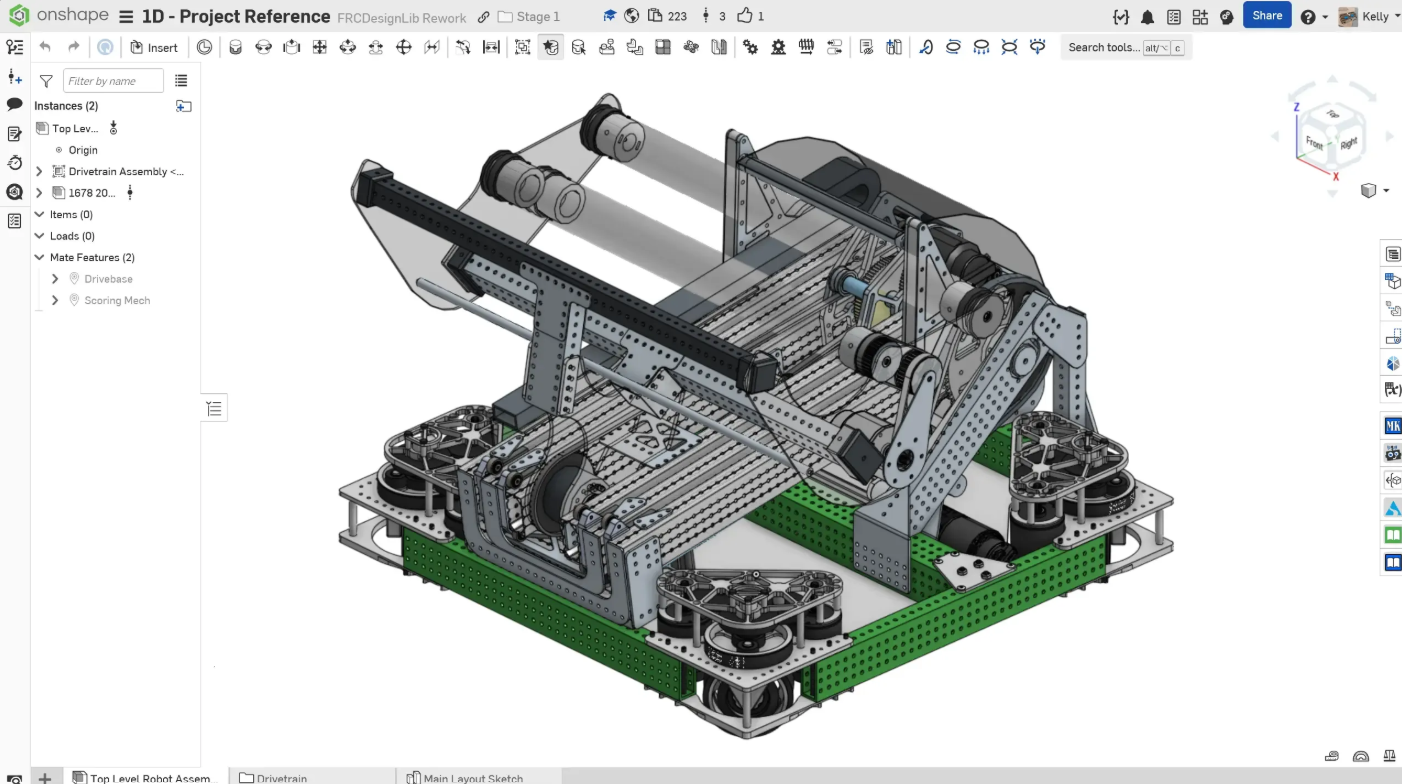
Top Level is the complete CAD. It consists of only subsystems and connecting items (screws, rivets, ect.) Once you've created this you've finished the CAD!
1. Insert all your sub-assemblies into the Top Level
Insert all your sub-assemblies into your top level. Make sure to create a simple name to make it easy to find. (No Top-level Real Final v2.5 Delta FINAL).
2. Combine Everything Properly.
Make sure there are no collisions, Add in all the connecting elements, and touch up transitions.