
How to render a photo?
Now that you have gone through all the steps needed to render a good photo it's time to get the final product!
1. On your normal visualize screen you will see a button called Tools in the top left of the screen.
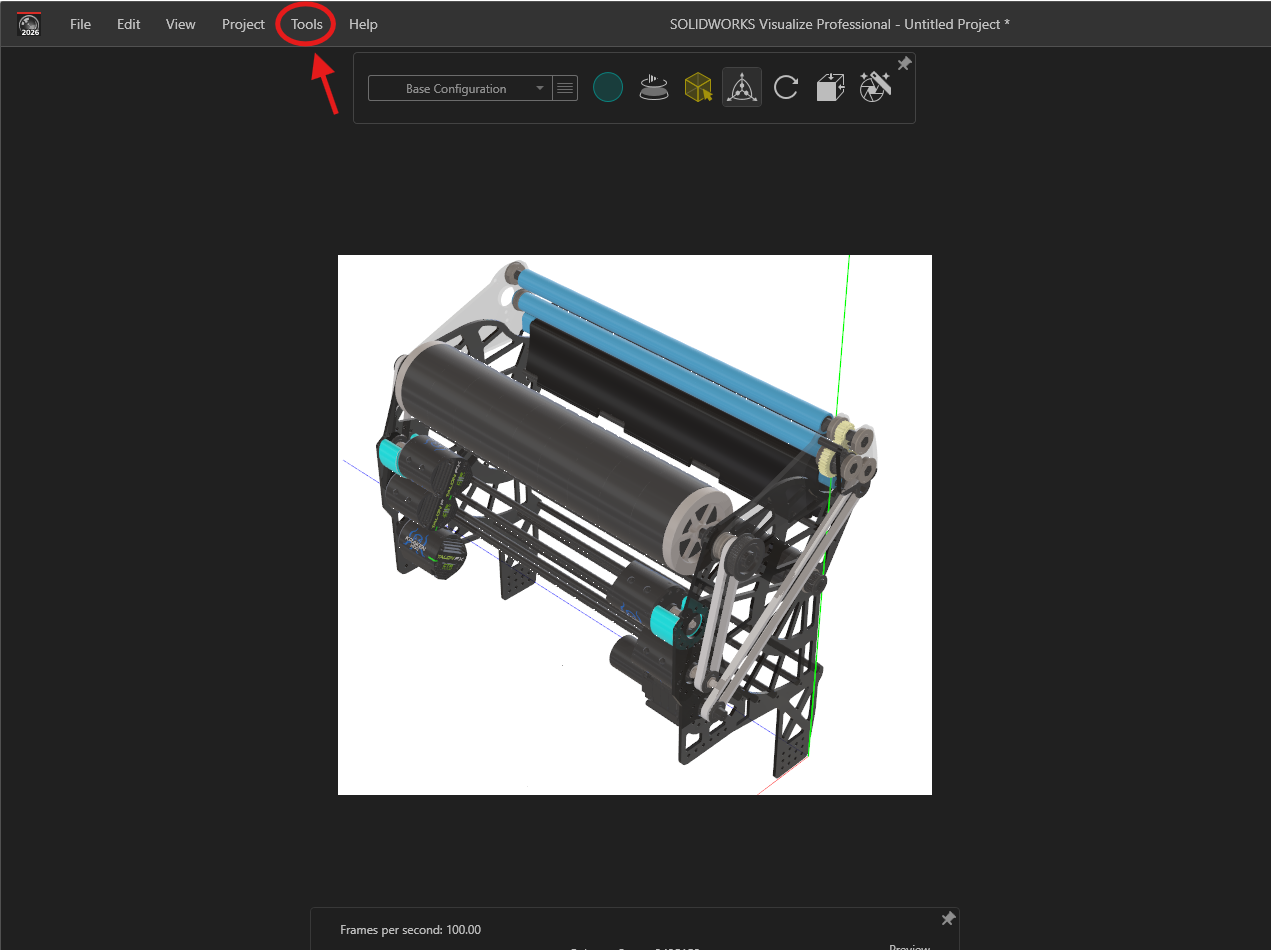
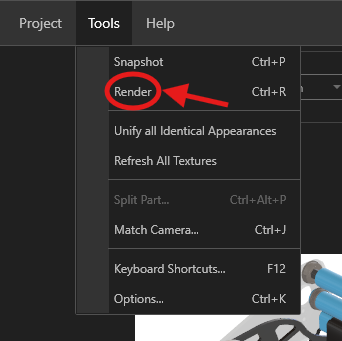
2. When you push the tools button a couple of options will show up including a button called Render which you will click.
3.
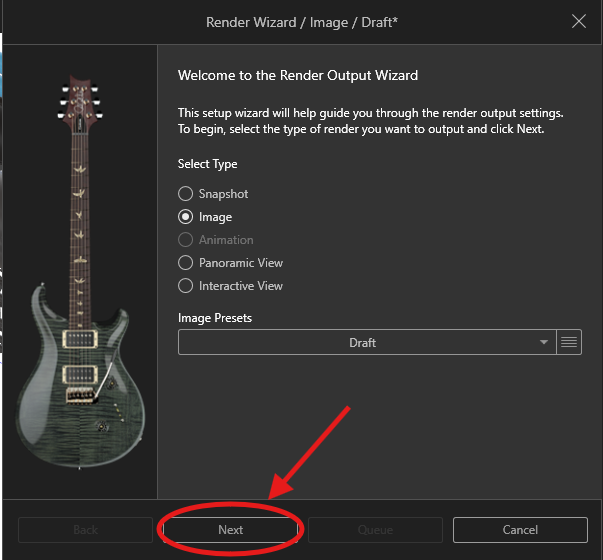
4.
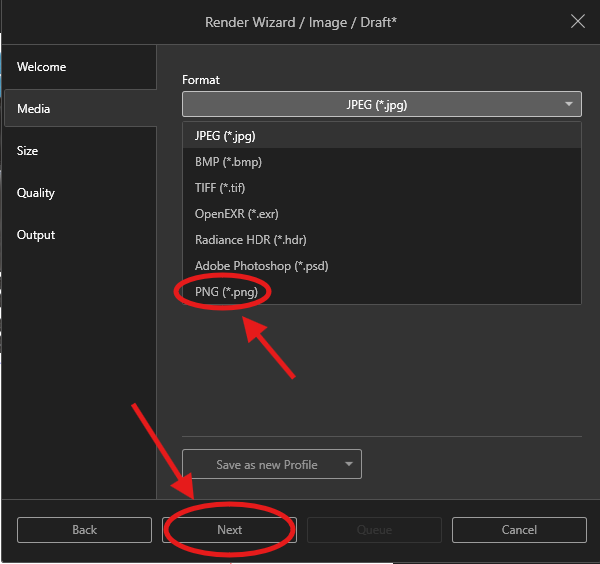
5.
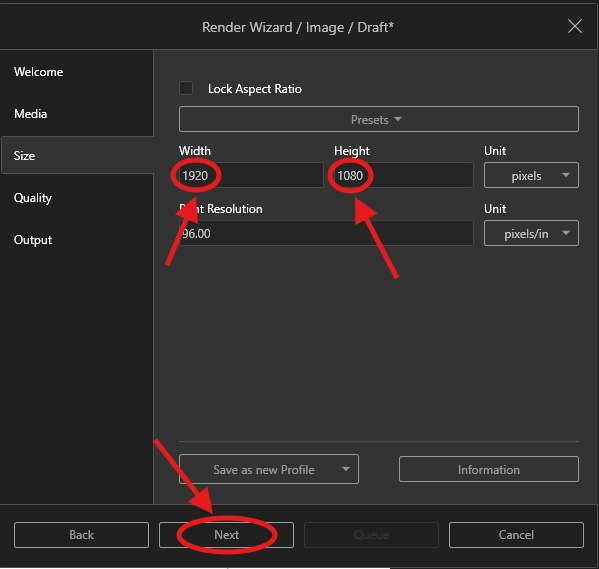
6.
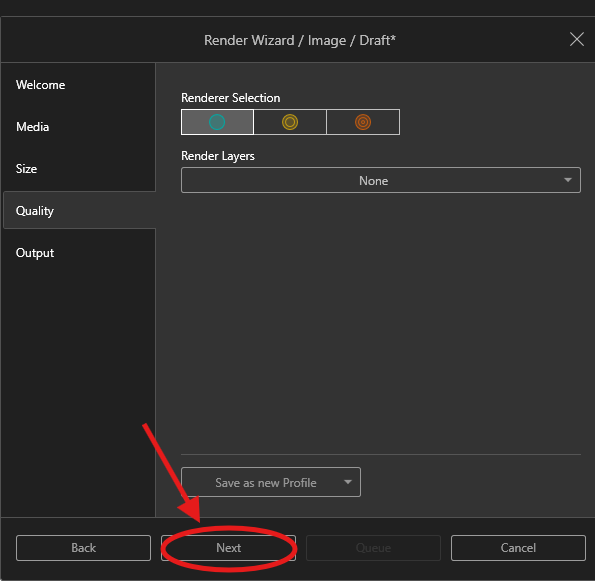
7.