
What to do before rendering?
Before rendering through SolidWorks visualize preparation matters and there are 2 main steps to getting it done right.
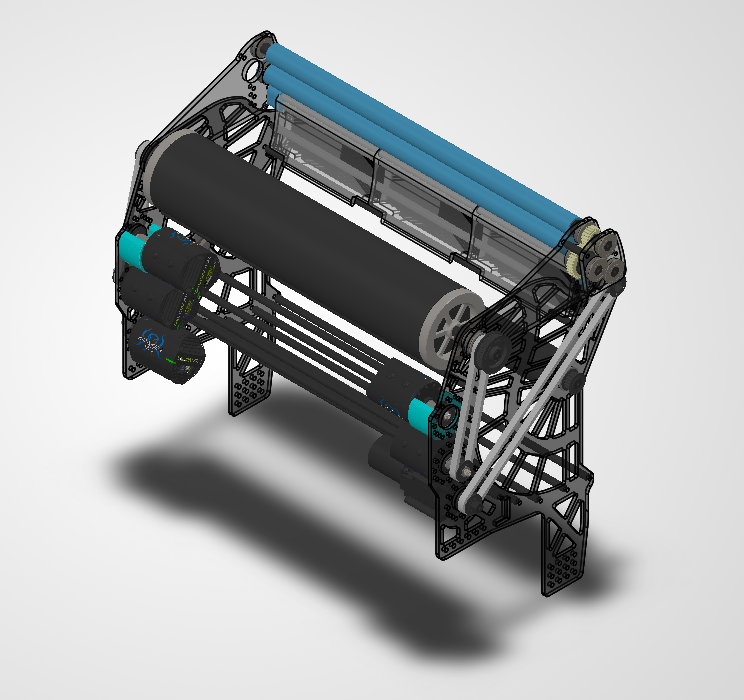
1. First things first your, NO hidden parts
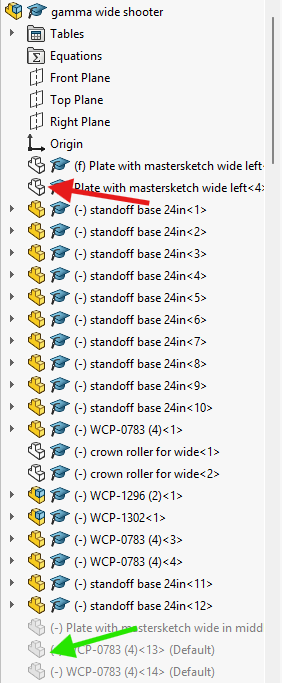
In the software all hidden part become shown so you should either have everything shown or suppress parts that you don't want to see.
2. The second thing is making sure all parts that have different materials have different colors.
In Visualize materials are grouped based on their color, so if your metal parts and your plastic parts are the same color, in Visualize they will be the same material. This is important cause how the light reflects off each material is different and it gives a better look when everything is the right material.
This doesn't mean they can't be similar colors; they can be so close that you can't differentiate them normally, as long as the hex code is different then you are good.
Once you do these two things you can move on to opening the program!