
Step by step on how to use the CBA battery tester
First you will have to go to the west mountain radio clik here to acces and then it should look like this
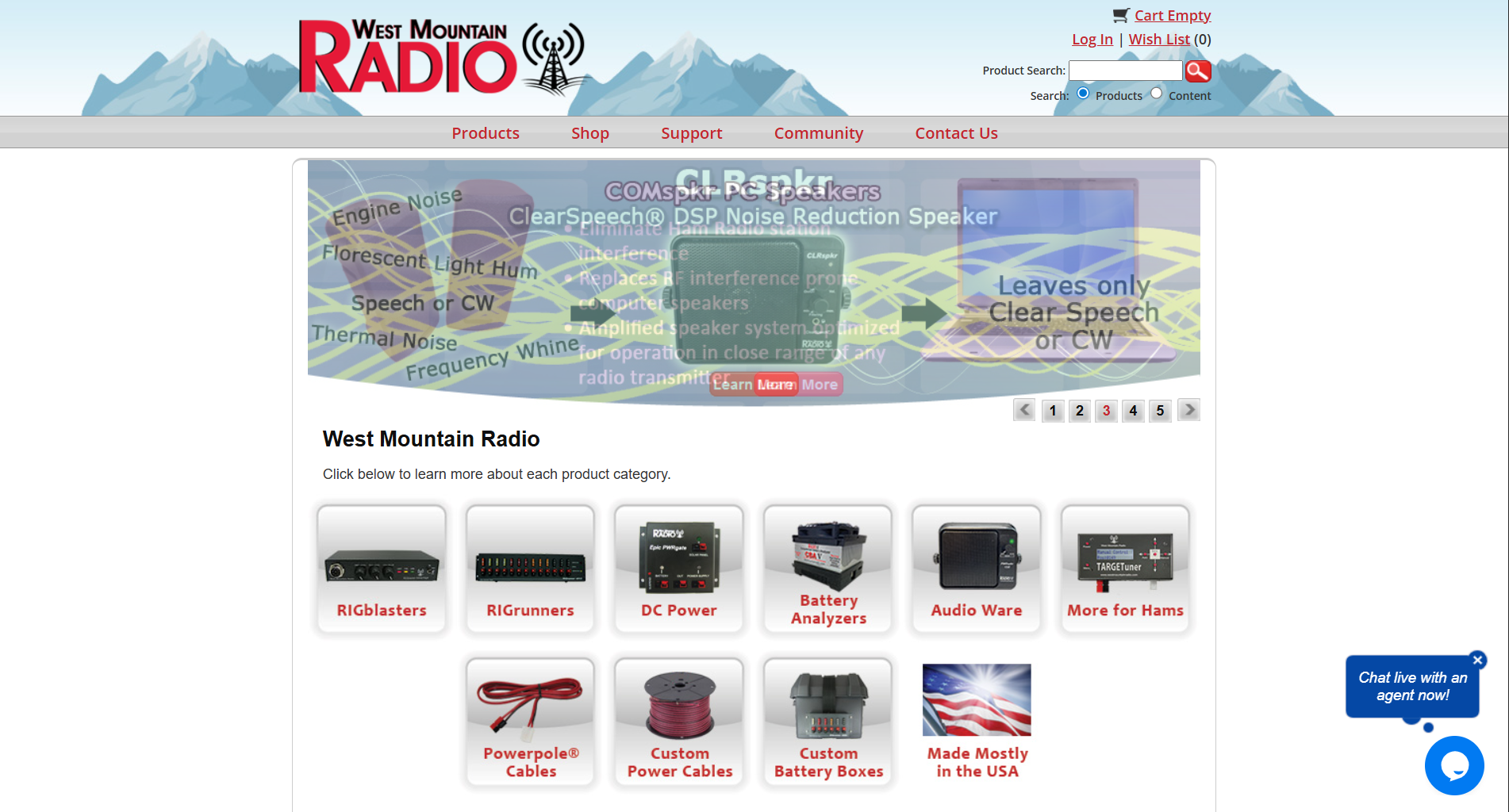
if it does not work or the page does not look like this then jut search west mountain radio in your web browser and clik the link that says West Mountain Radio: Home or something similar
Now you will hover your mouse over support and clik on dowloads
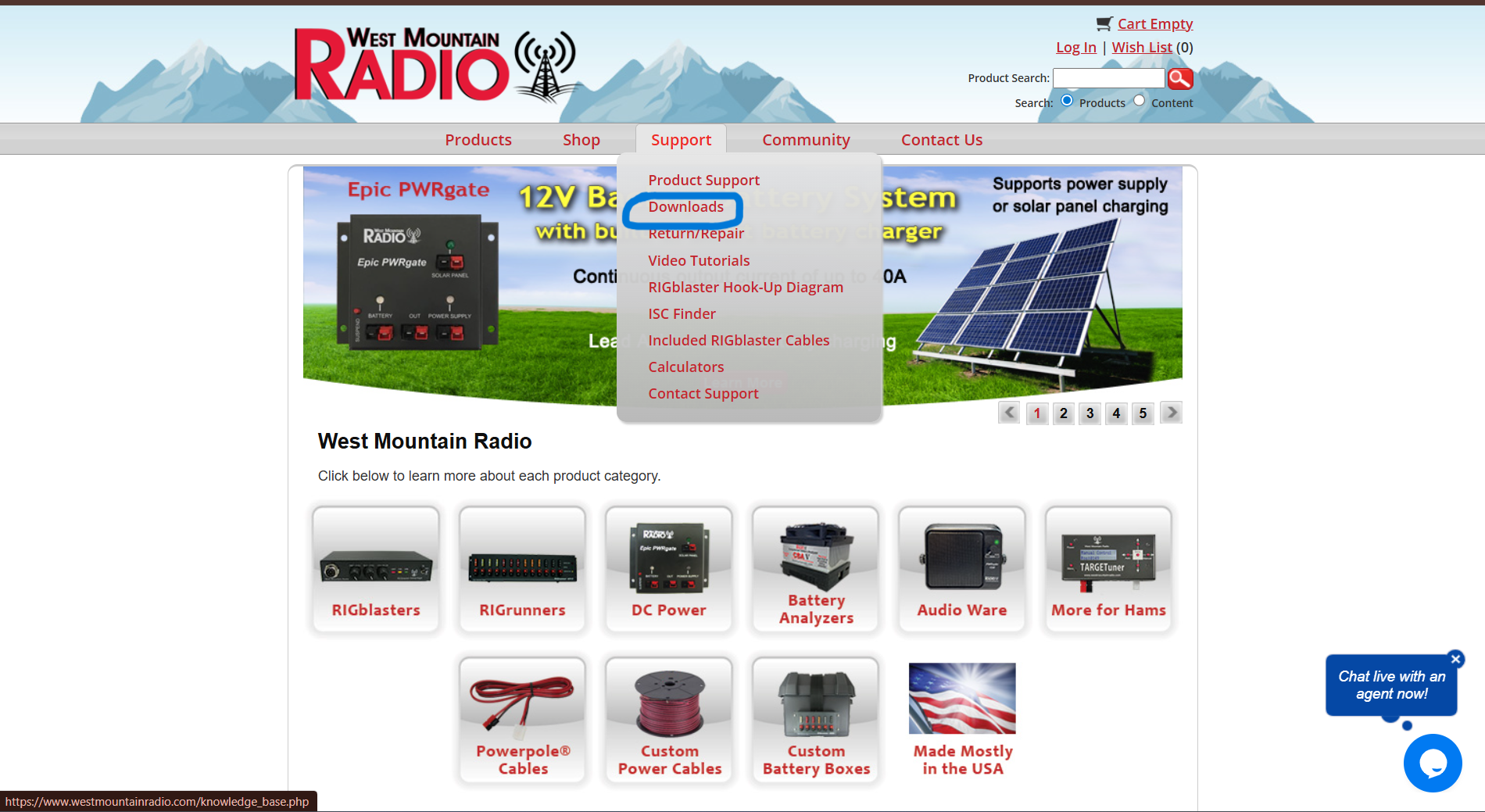
Once you click on dowloads you will have to scroll dow till you see a title on a red box that says computerised battery analyzers
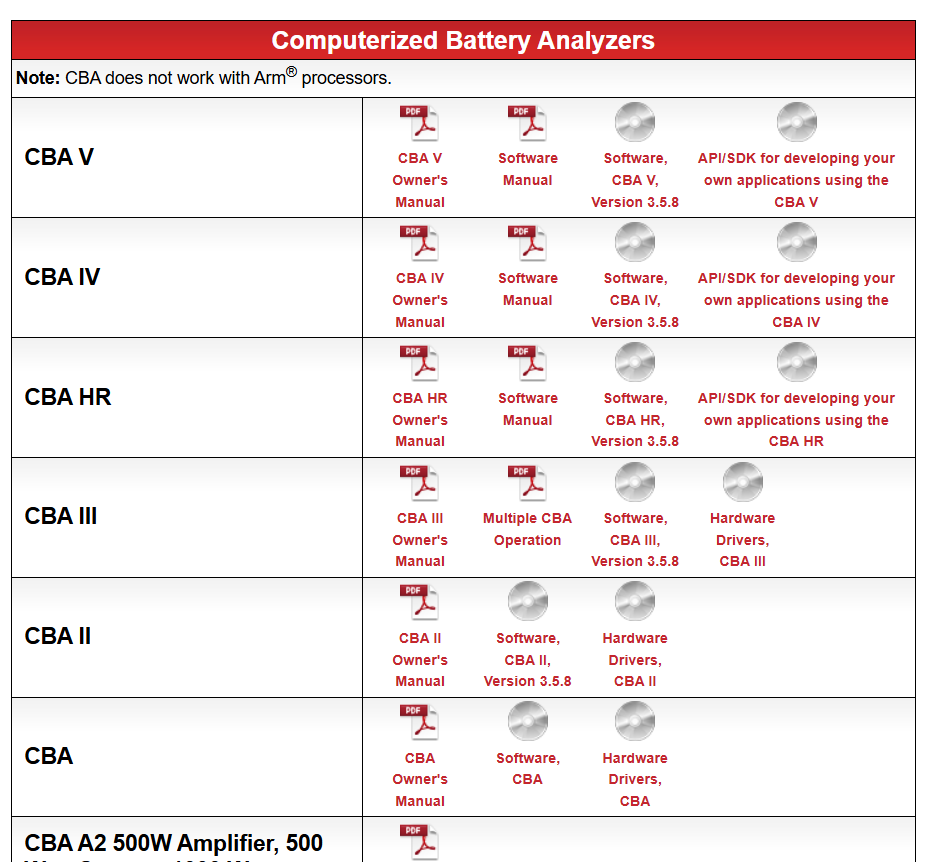
now you will have to find cba V wich it should be the firt one and click on software CBA HR, Version 3.5.8 (as of right now) once cliked you will be directed to this page
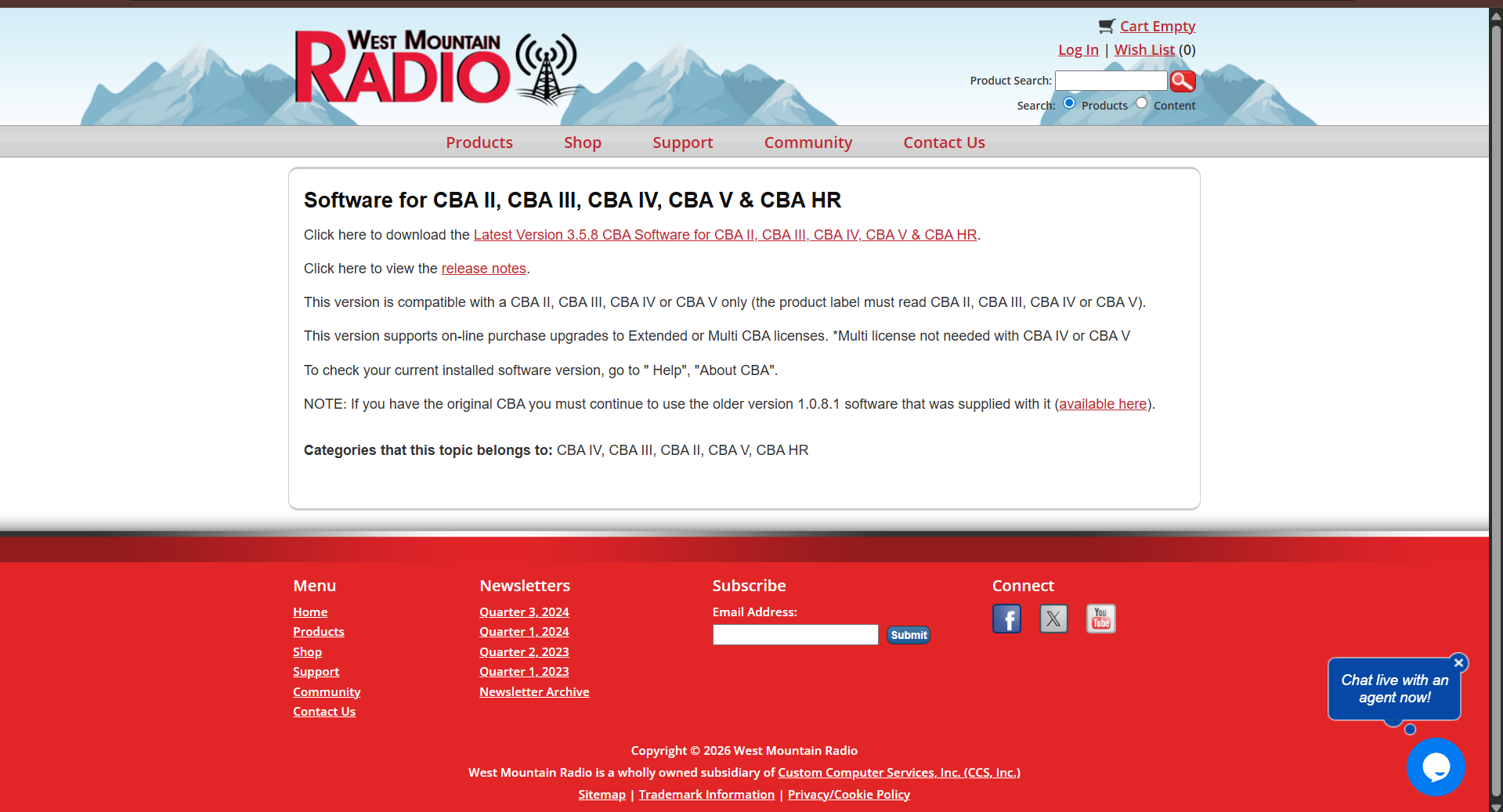
now you will clik on the thing that says click here to dowload Latest Version 3.5.8 CBA Software for CBA II, CBA III, CBA IV, CBA V & CBA HR
once you do the hole proces of dowloading you will open the app (called CBA sofware)and be on this page
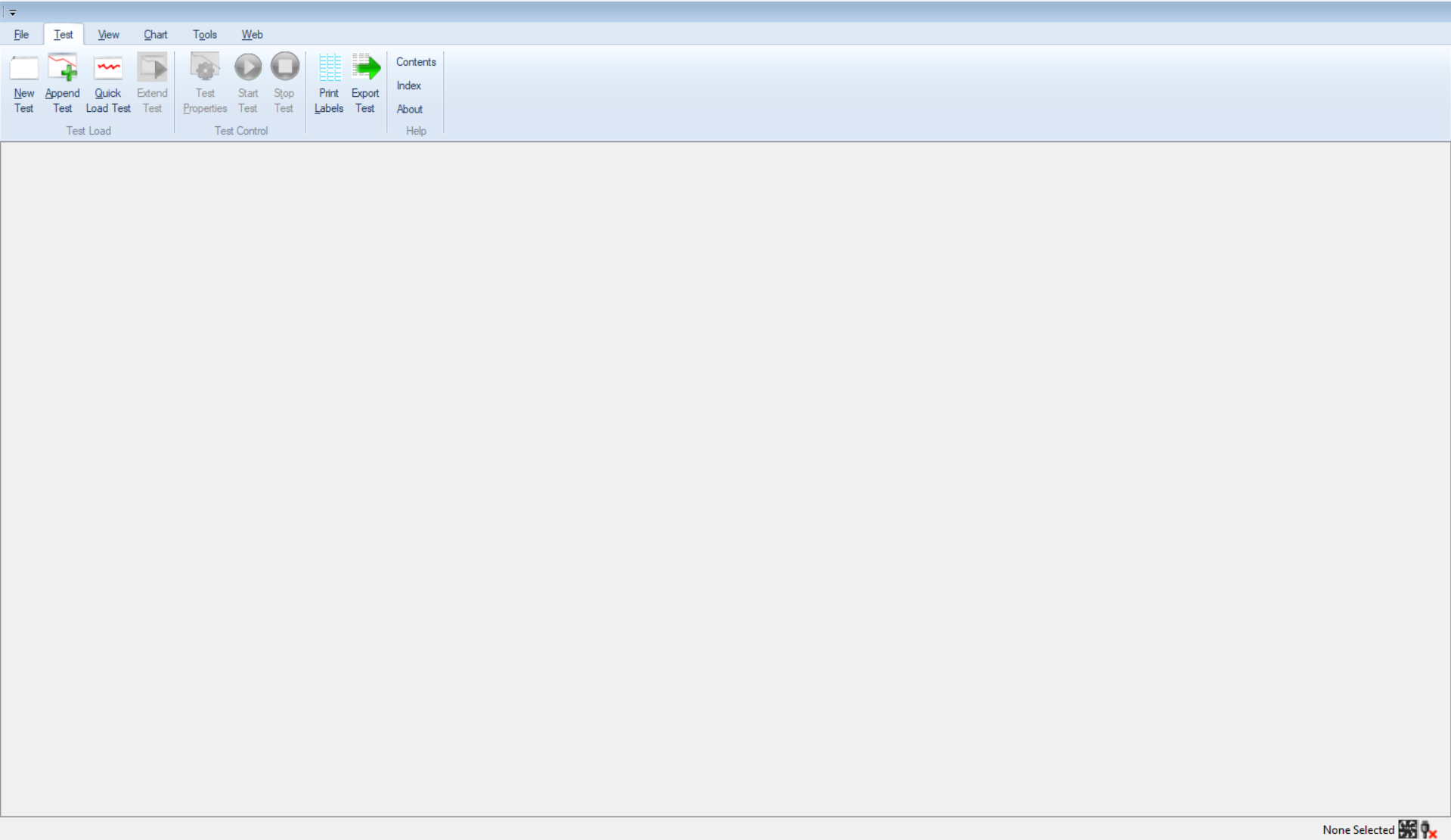
you must click now new test and will be directed to this page(just remember that you must have your CBA unit pluded in)
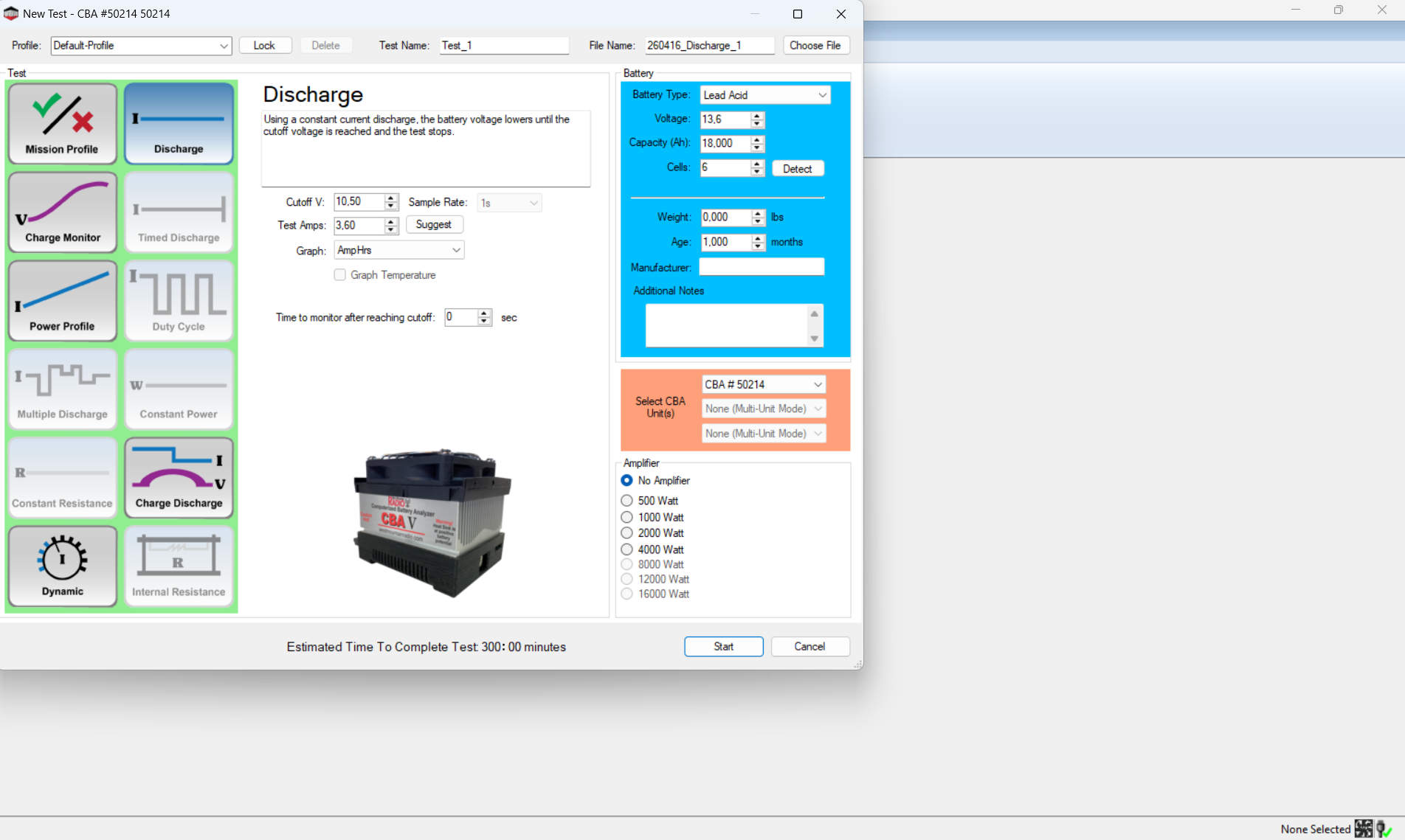
once pluged in the battery to the CBA and the CBA to the pc on the bottom righ corner it will say none selected then a fan and nex a usb with a ✅and now you can click new test and you will be directed to the thing in the top left for this test we will be doing a discharge,
Step 1 you will click detect on the blue square wich will tell you the Voltage of the battery and the cell you will have to manually put the Capacity (Ah) for exmaple my batteries are 18Ah on the CBA just put 18 (for me) Now under discharge you will have to click detect and make sure that the cutoff is at 10.50 else it will nefer finish and it shuld put the correct test amps, you don't need to do anything else but click start and wait for the test to finish