
Deploying the Correct Code (Kitty)
It's important to make sure the correct code is deployed to the robot before demos to ensure there are no unwanted bugs (secret features) that could jeopardize the quality of the demo. This page will guide you through selecting and deploying the correct branch.
The updated Kitty demo code is on the kitty-reborn repository, so make sure to clone the repo on your computer before the demo. You can find the kitty-reborn repo here.
The team keeps the working and tested code on the main branch, so you first need to navigate to this branch. Do this by opening the terminal by hitting this icon:
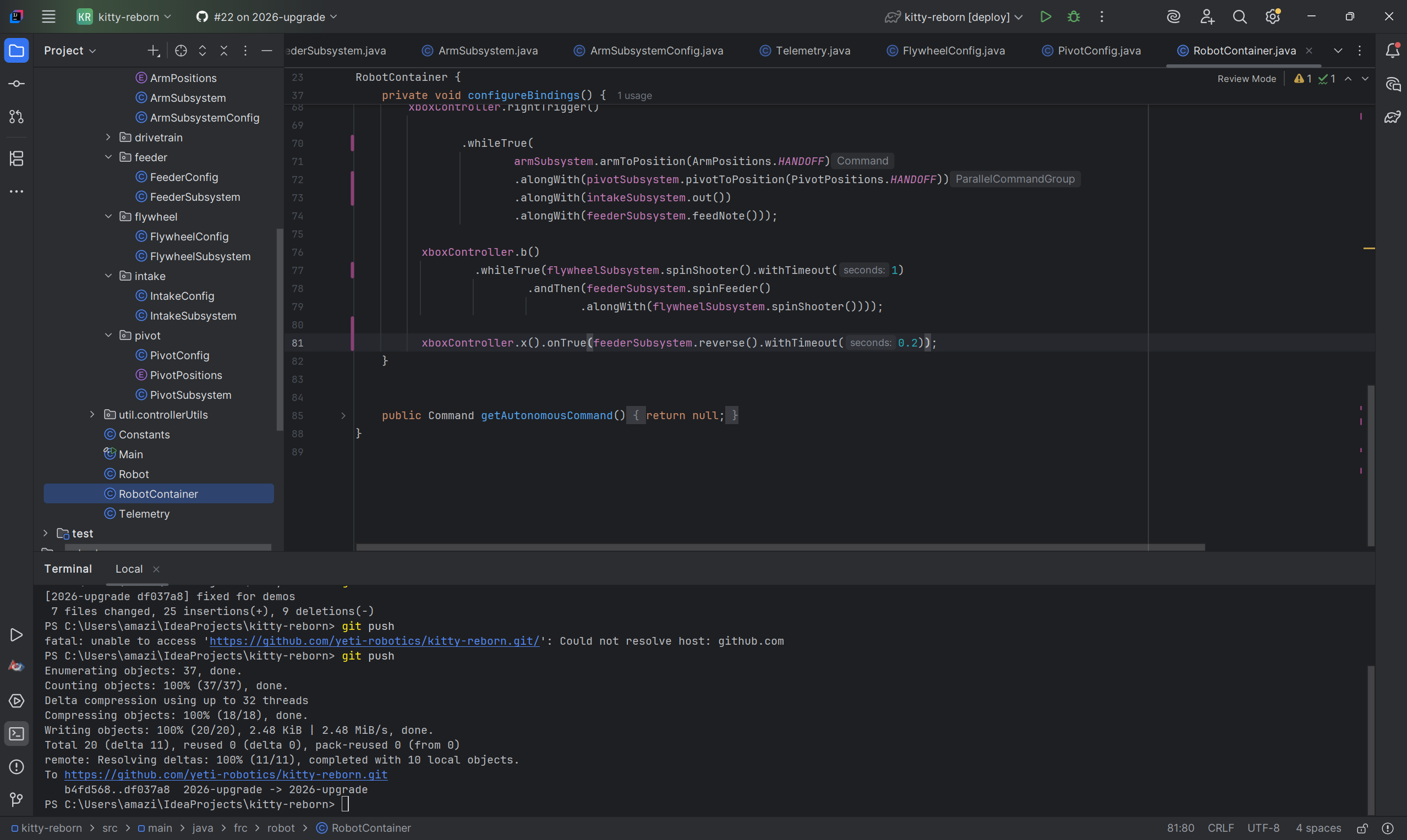
Then, type in git checkout main to navigate to the main branch:
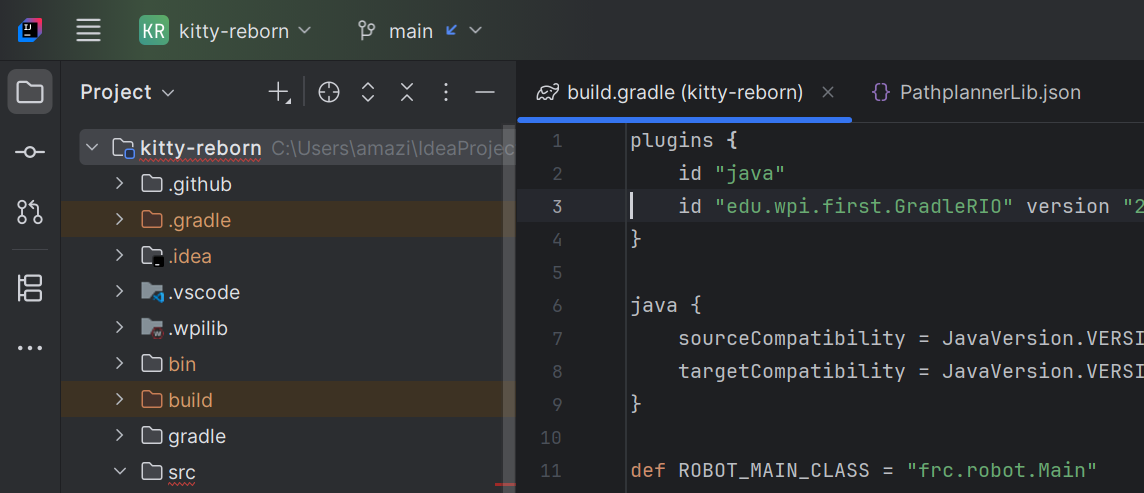
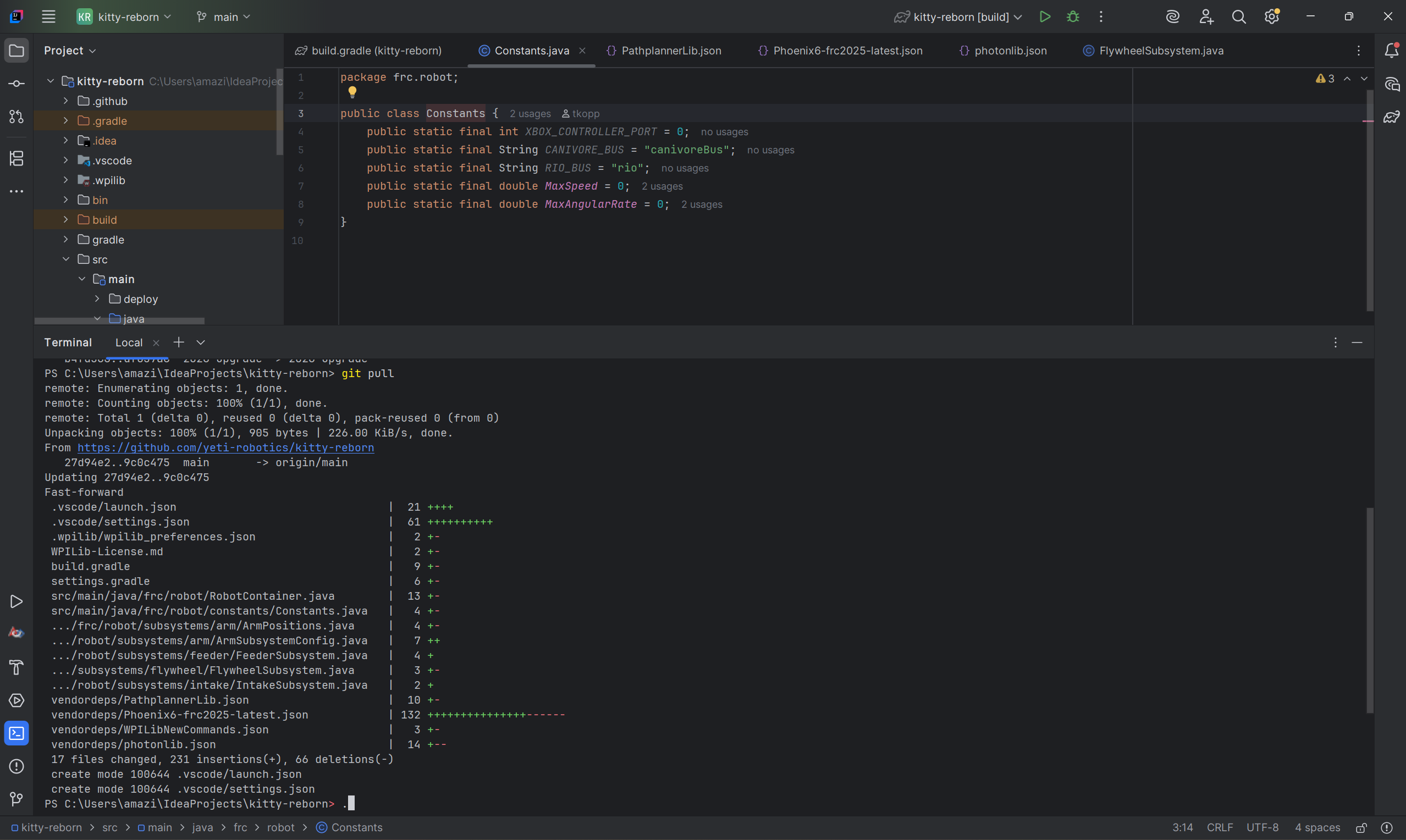
Next, open the terminal window with the button on the bottom left. Then, type in git pull to update the branch with any changes that may have been made:
Next, make sure you're connected to the robot's WiFi. It should show up as 3506_[robot name] or something similar. Once this is done, hit the Gradle tab here (on the right side-bar of IntelliJ):
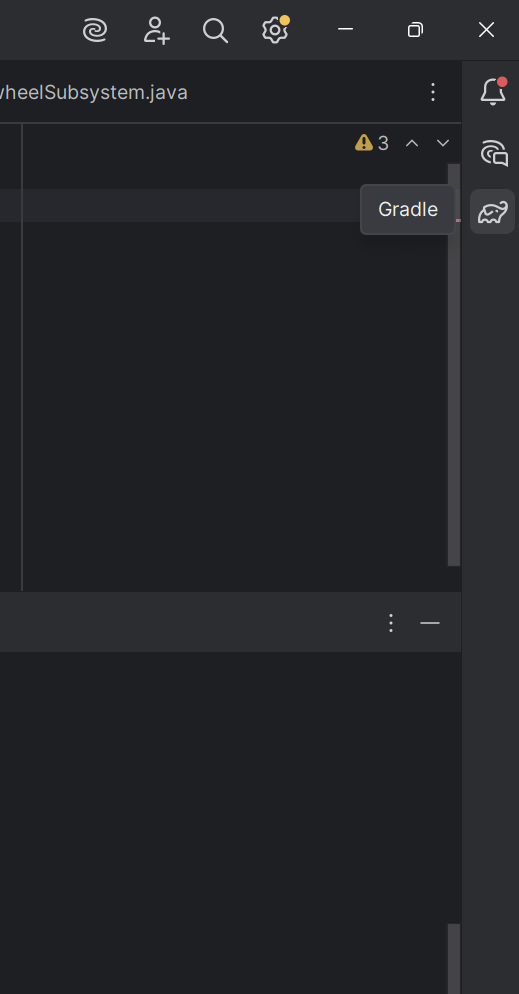
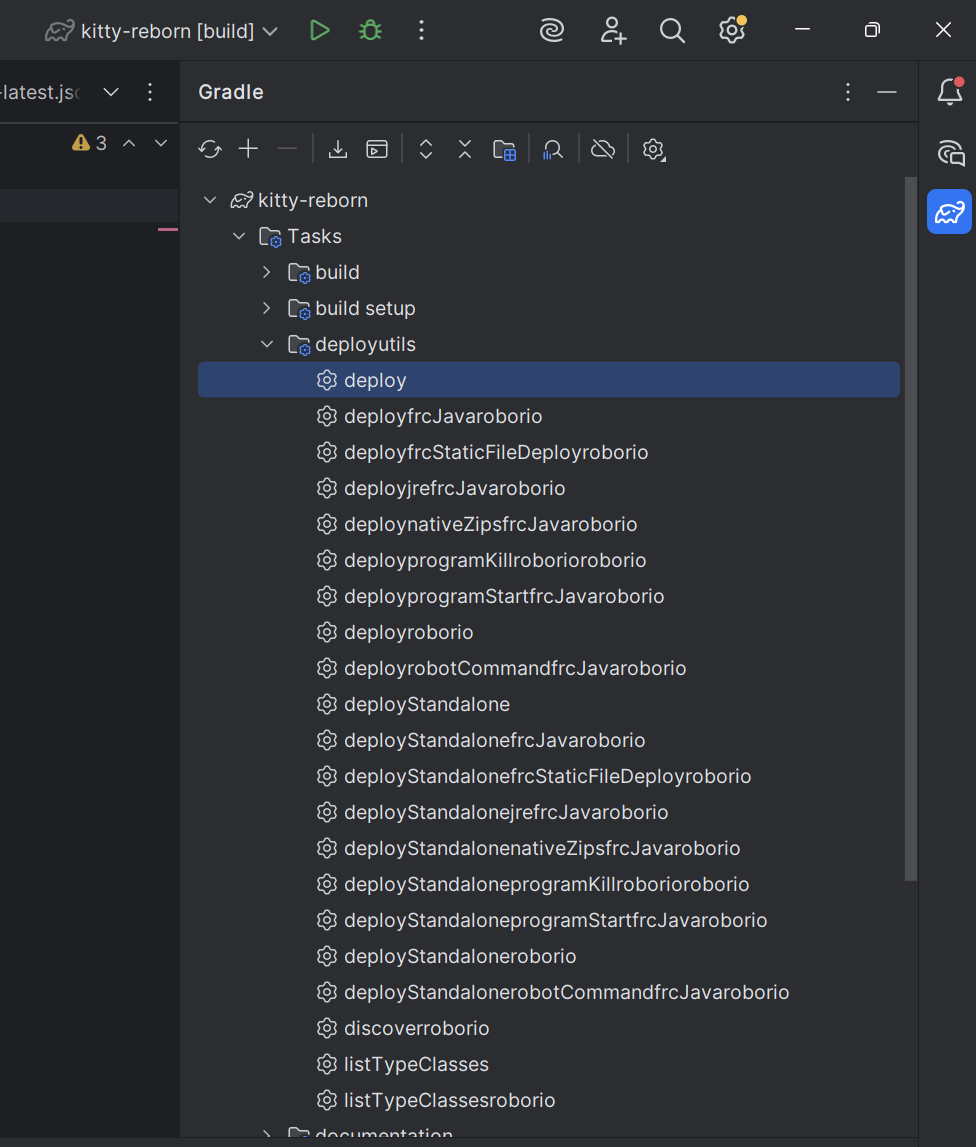
Great! Your code is now being deployed to the robot. Wait a couple of seconds, and you should be good to go!