Downloading the Latest VS Code Version
Downloading the Latest Version
If you don't already have the latest version of VS Code installed yet, download it from here: https://visualstudio.microsoft.com/downloads/
After downloading it, it'll open an instance Visual Studio Installer. Click through all of the pages and don't change any of the default stuff. Once if finishes installing, it will appear alongside and other versions you already have.
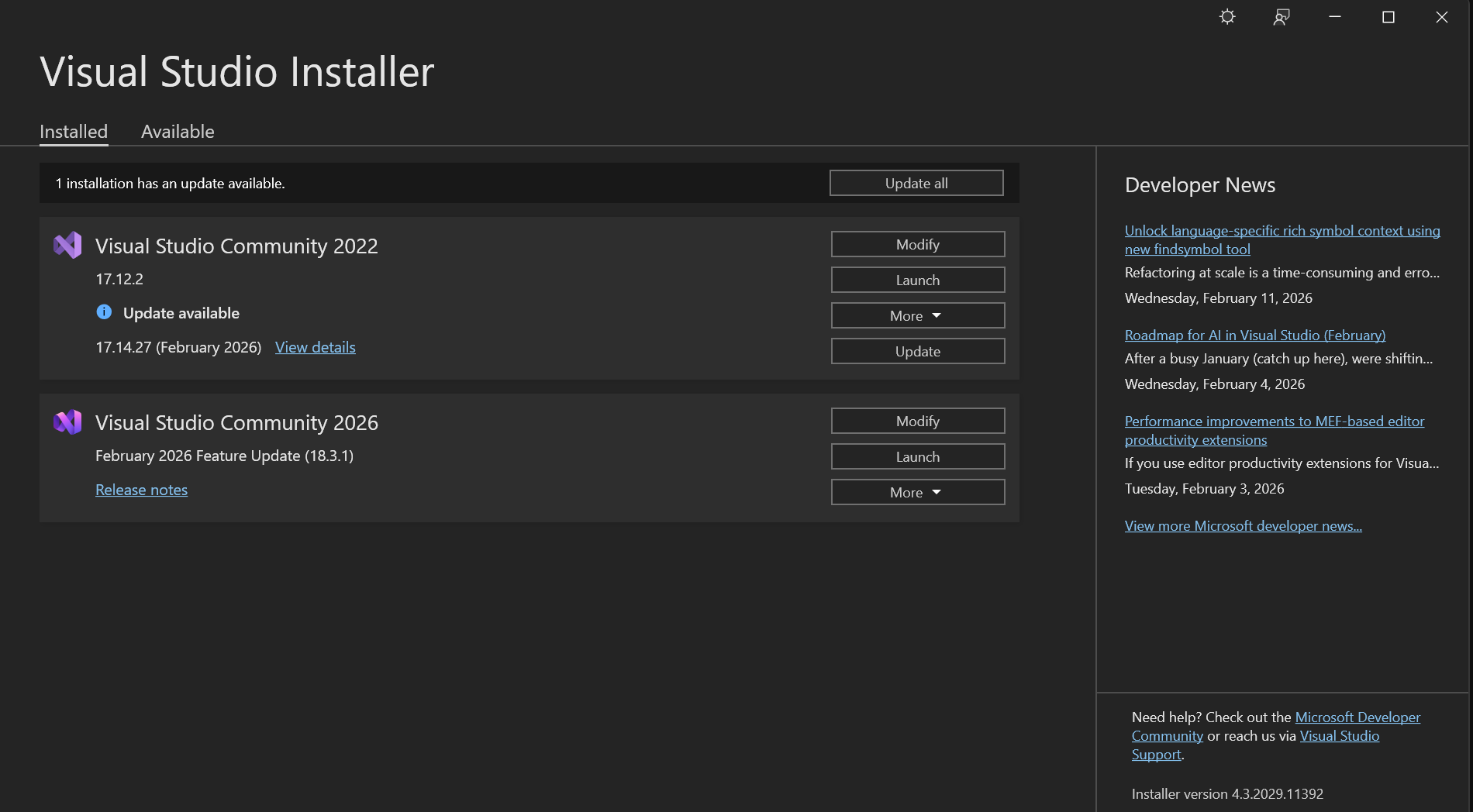
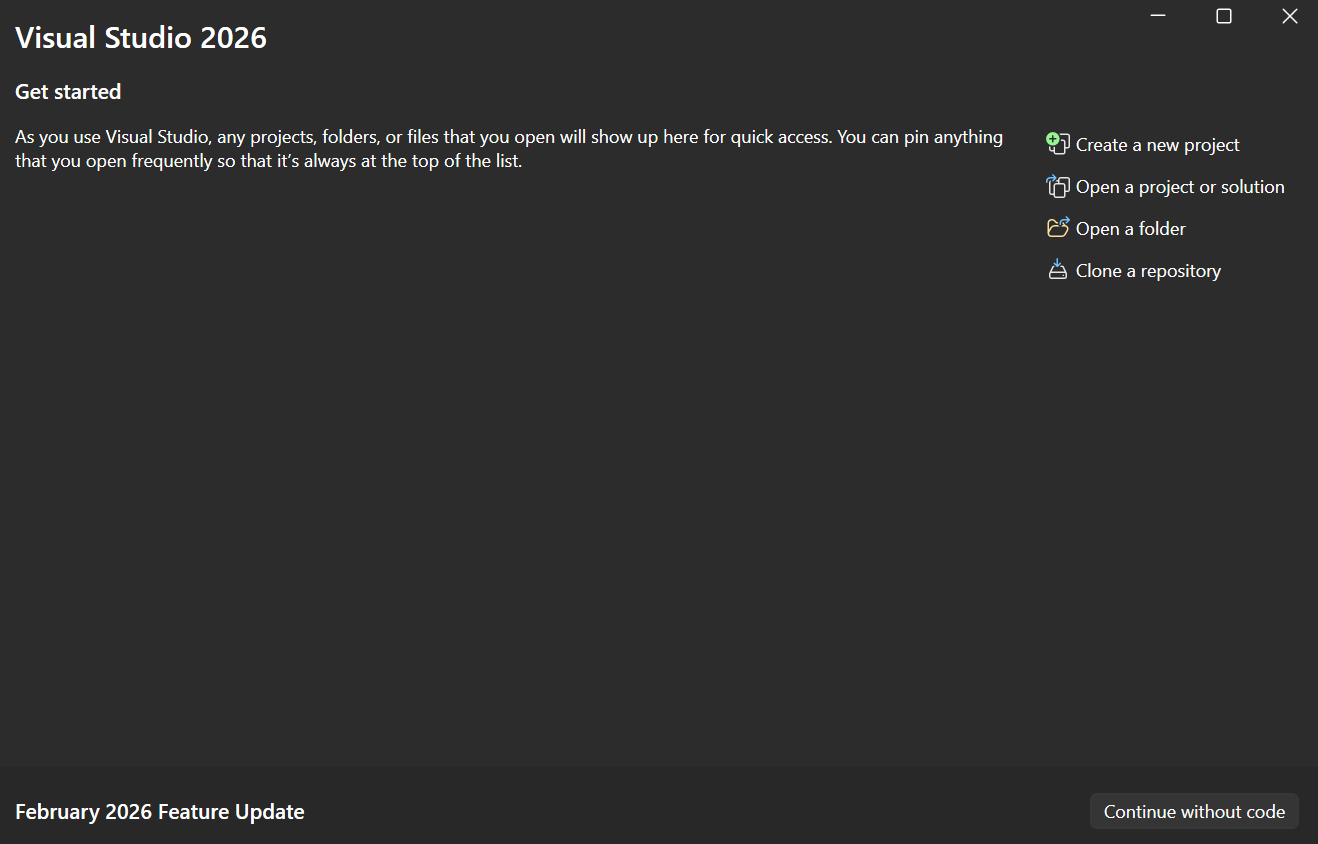
After clicking Launch, it'll prompt you to sign in, and choose Sign in with GitHub. Then, click Clone a Repository
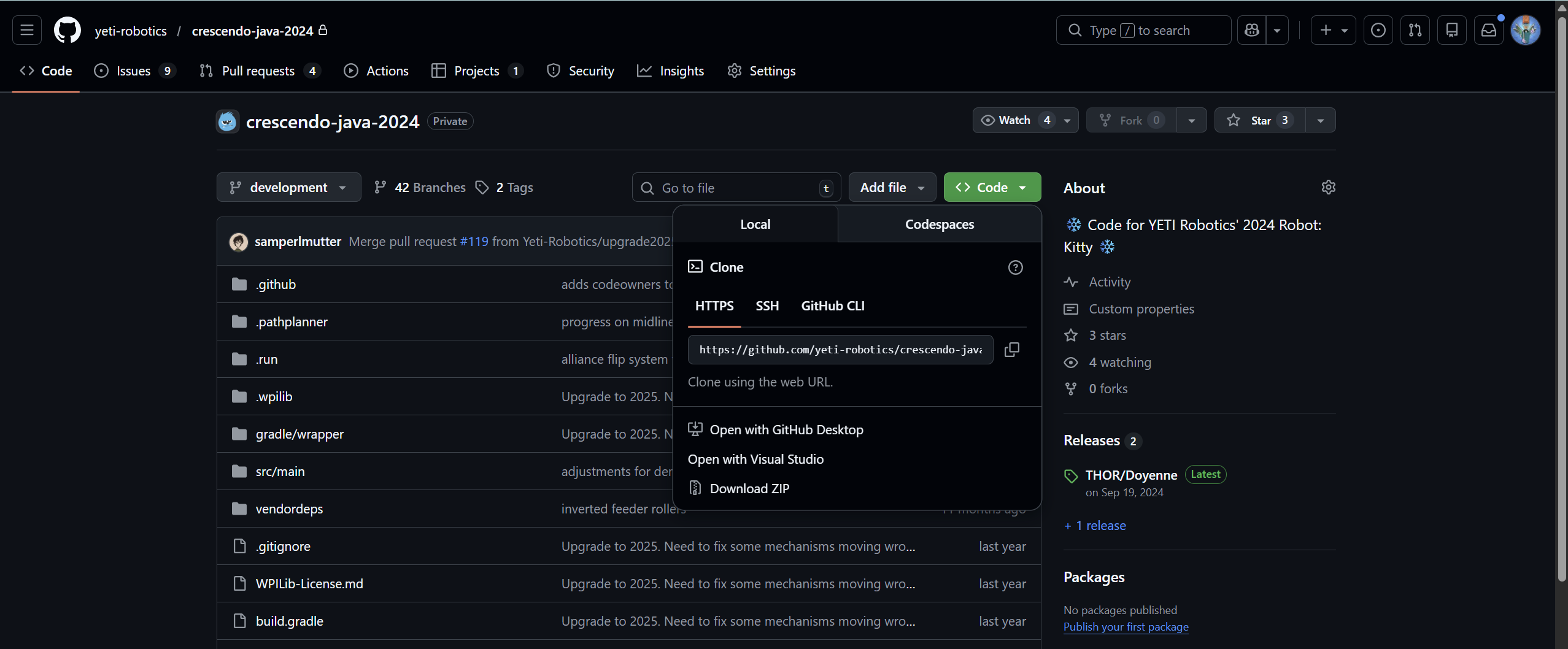
Go to the GitHub repository you are upgrading. Click Code, then copy the HTTPS link and paste it back in Visual Studio.
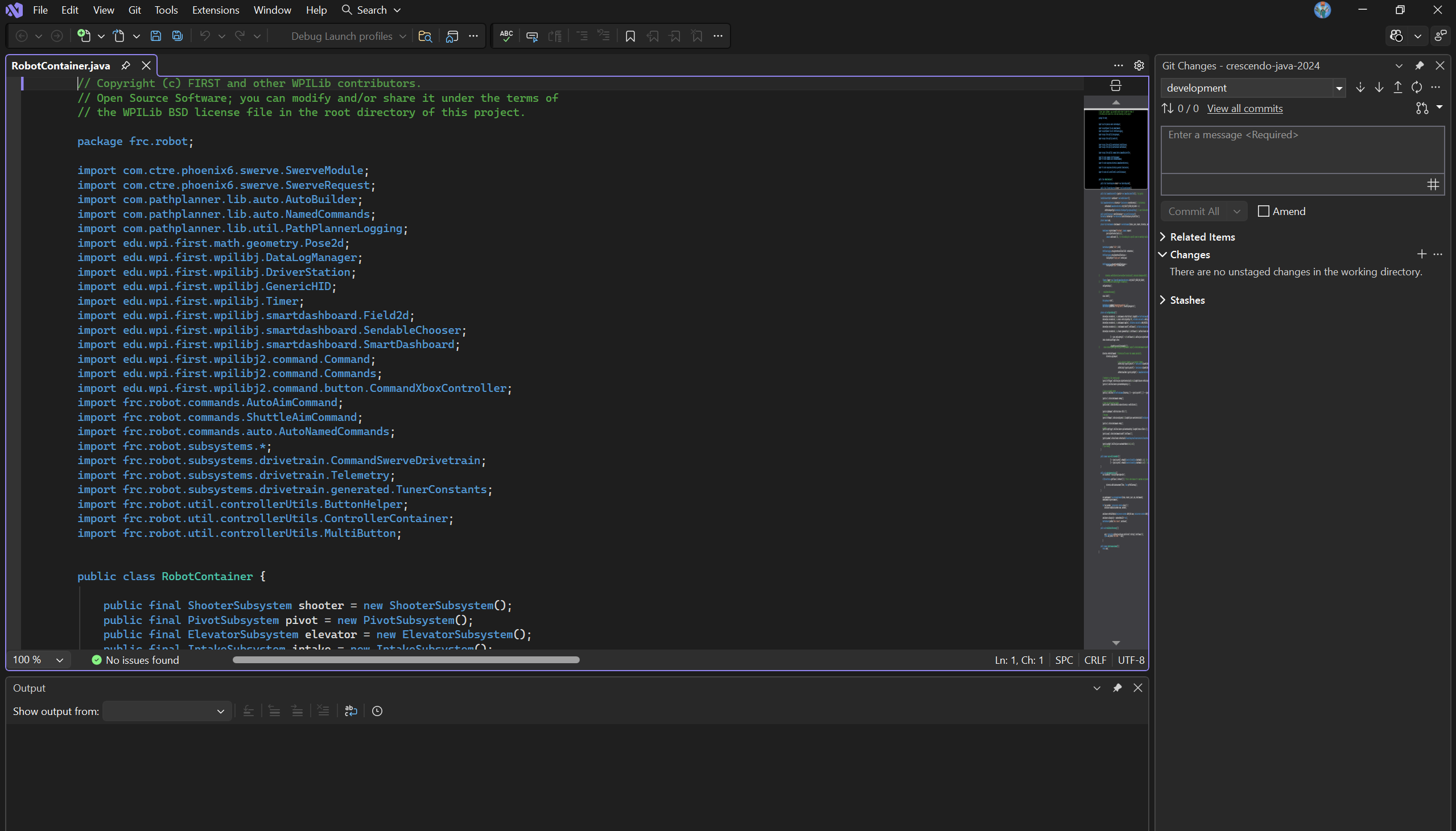
Once the repository is cloned, it should look like this in VS Code.