WPILib Extension Download
WPILib Extension Download
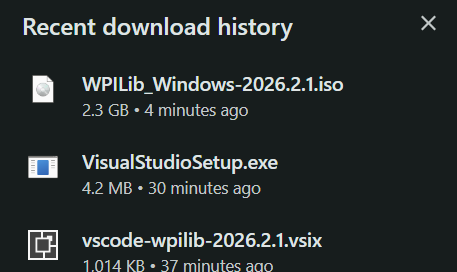
The VS Code Extension Marketplace doesn't natively come with the WPILib extension. Search up "WPILib Installer" on your browser of choice. Then, install the latest version and click on the .iso file in your recent downloads.
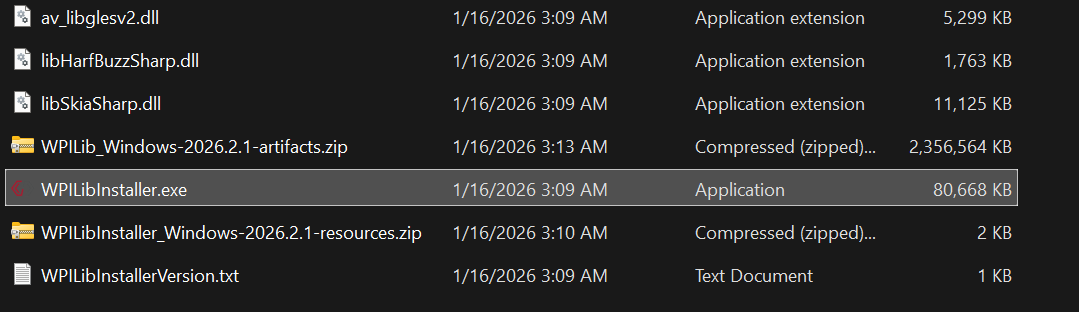
This will take you to your File Explorer, and then double click on WPILibInstaller to run it. Click More Info -> Run Anyway if your computer gives you a warning.
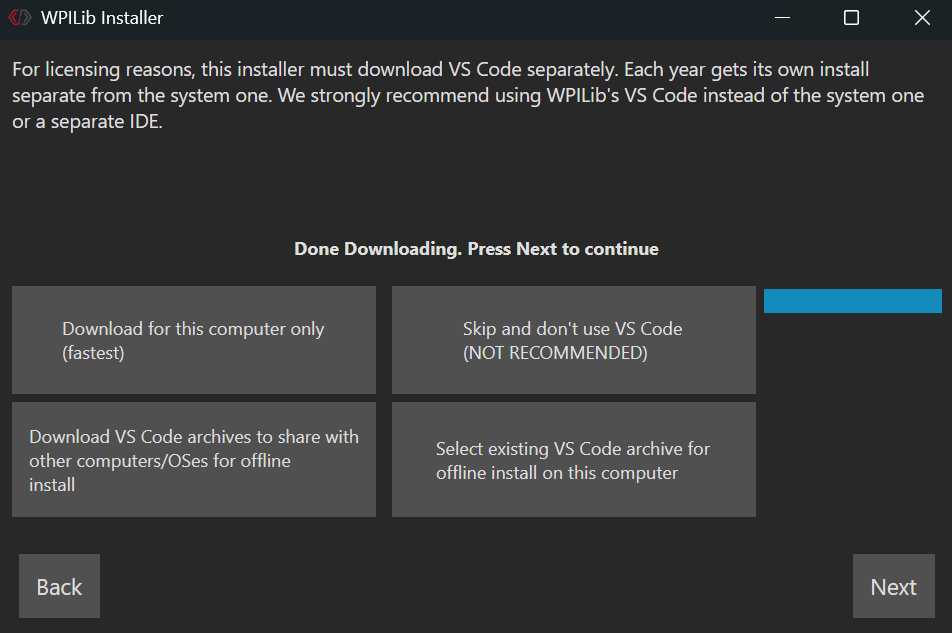
When you get to the following screen, click on "Download for this computer only" and this will begin installing the VS Code extension. Continue with the rest of the installation.
Make sure you close any apps that are using any WPILib stuff before doing this step
After it tells you that you are finished and you click on the Finish button, open the Start Menu (or its equivalent on Mac) and search up VS Code.
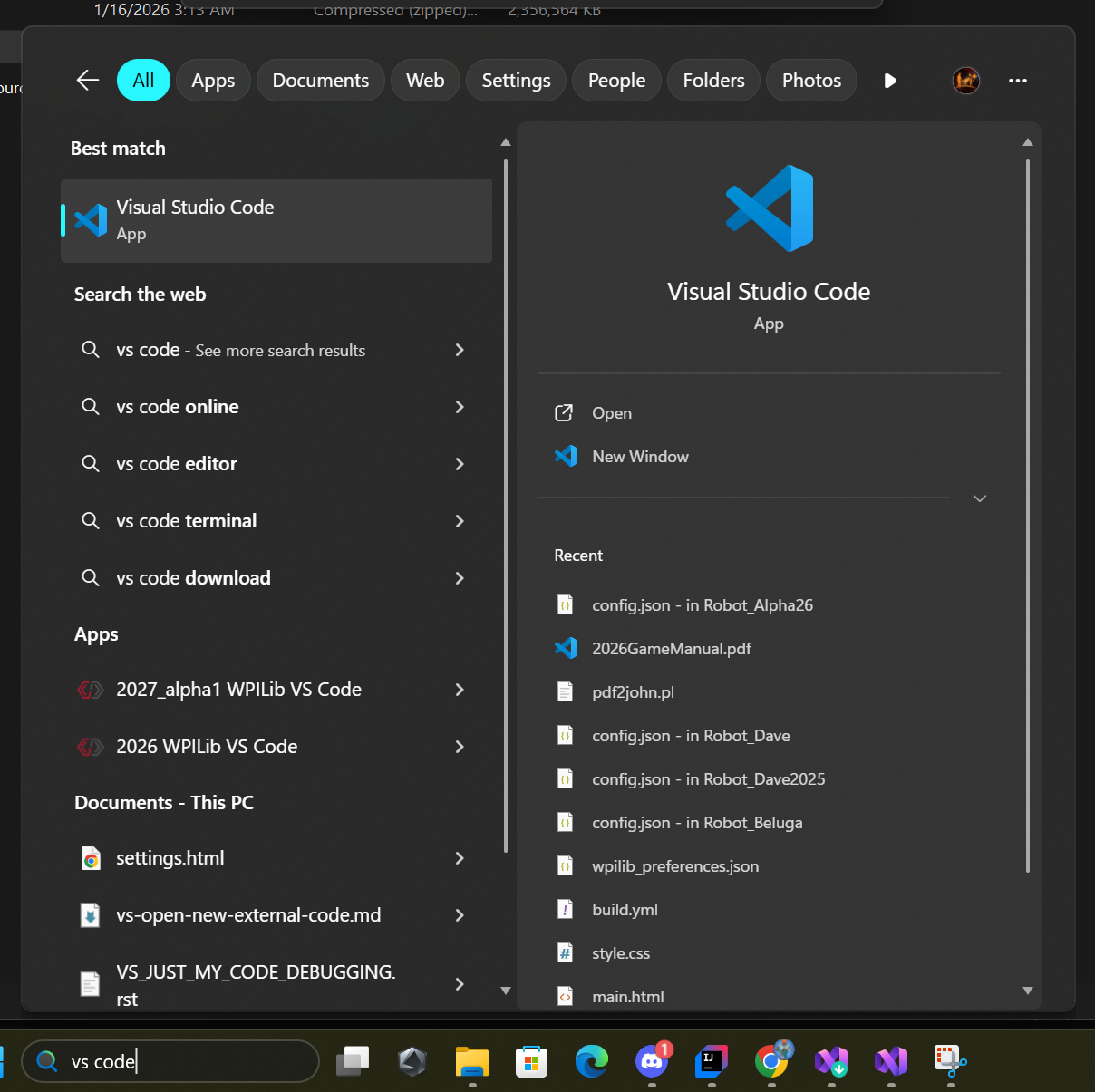
You should see a file named "[Year #] WPILib VS Code". Click and open it. At the bottom, click the Mark Done button.