
Right Angle PCB wiring
What are WCP Right Angle Kraken PCBS?
The WCP Right Angle Kraken PCBS (TalonFX PowerPole Adapter Boards), are an alternative wiring solution to the regular wiring of a Kraken Motor.
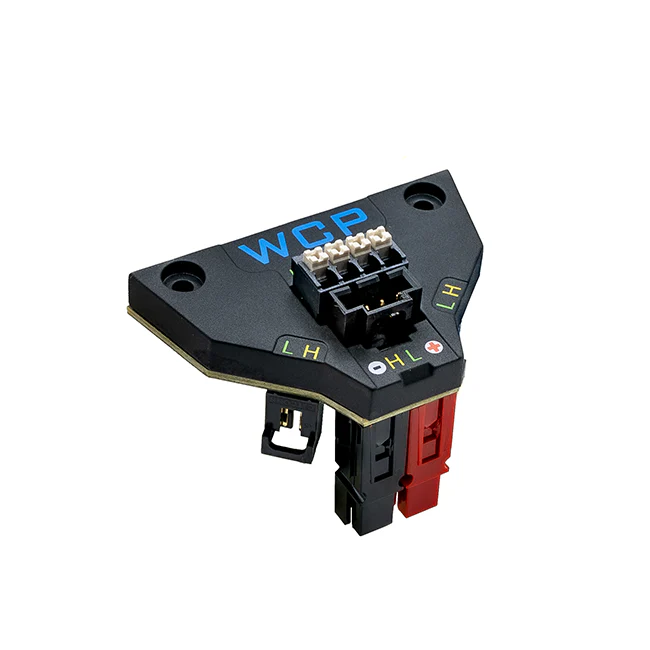
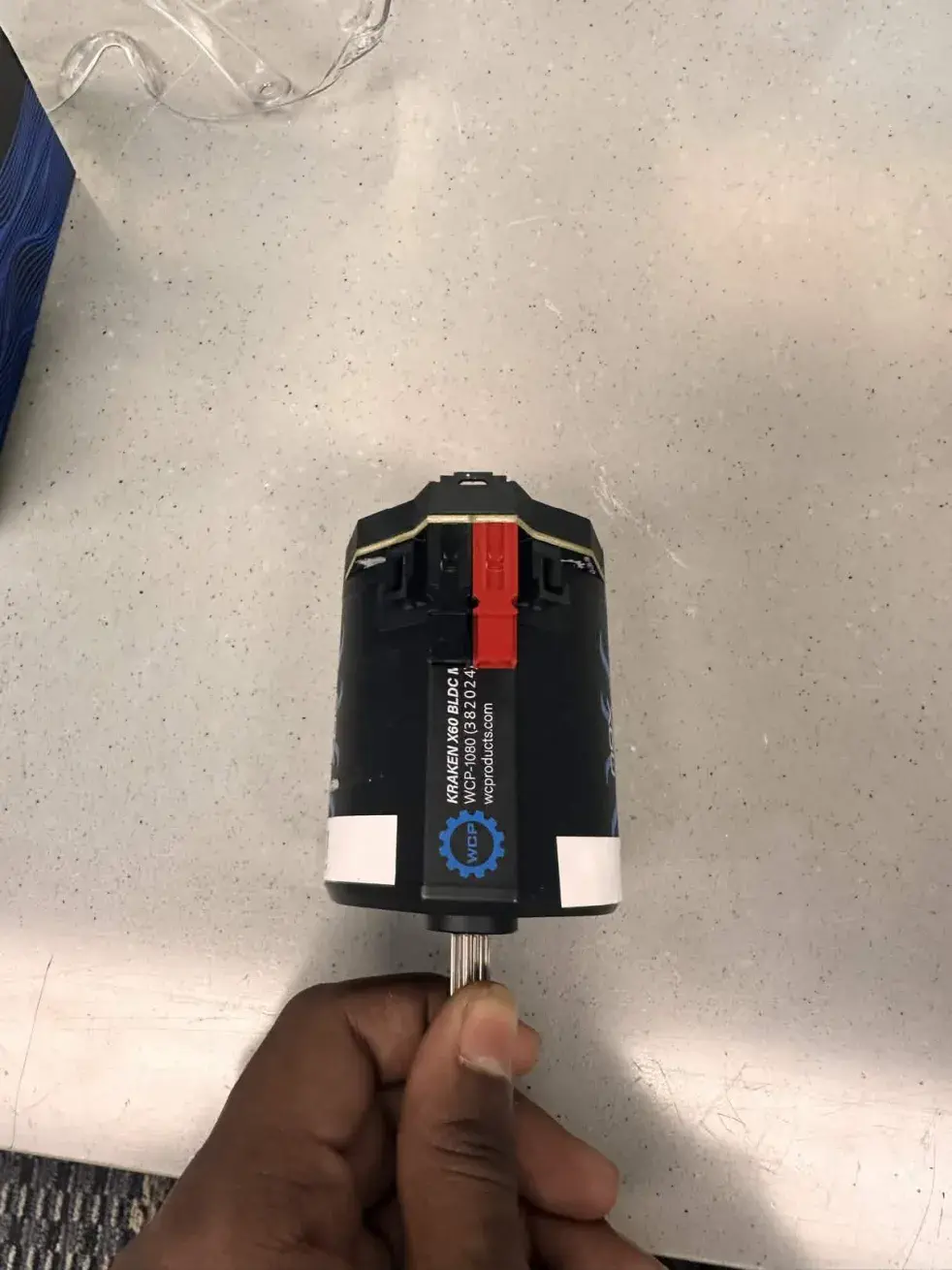
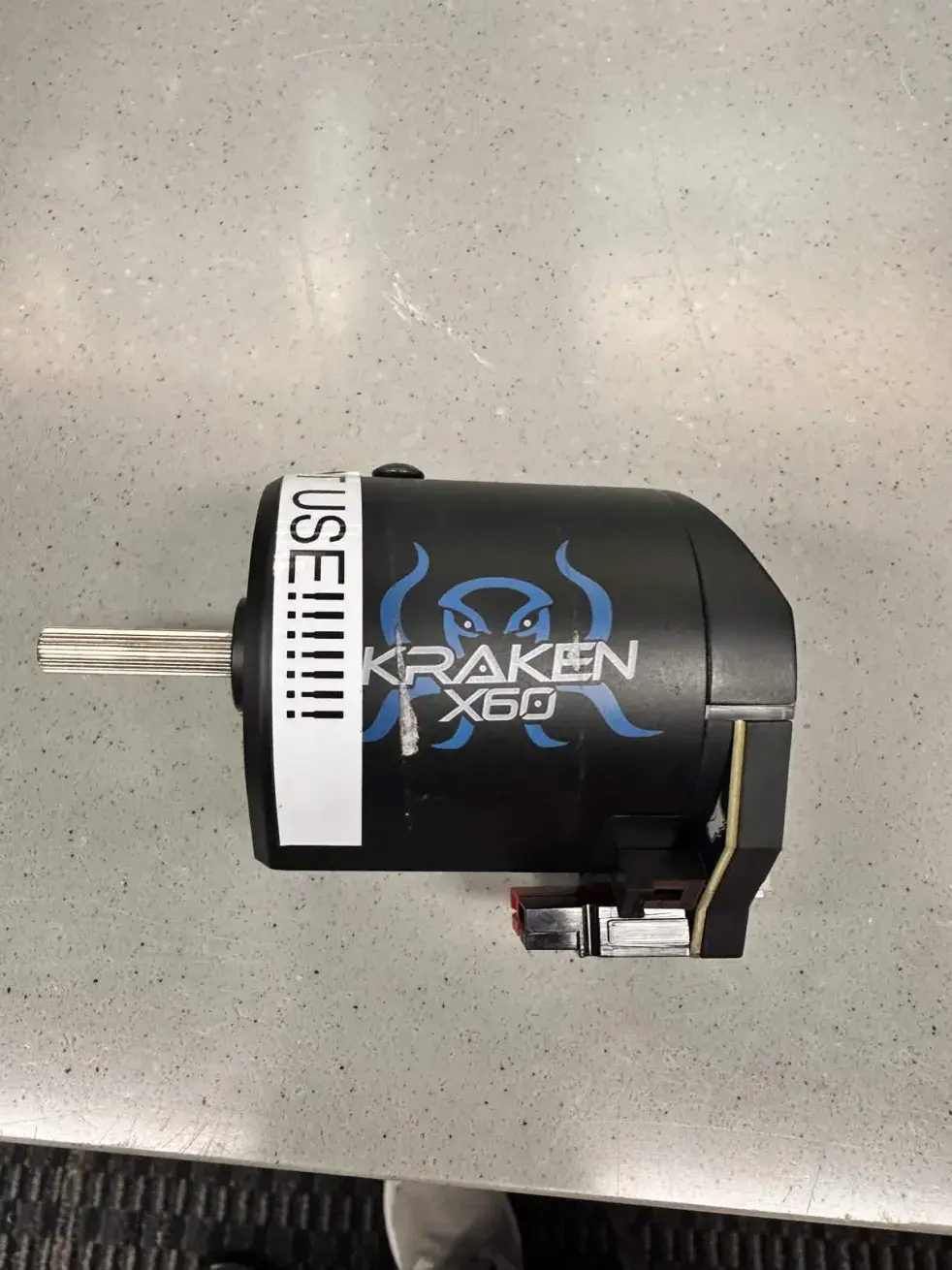
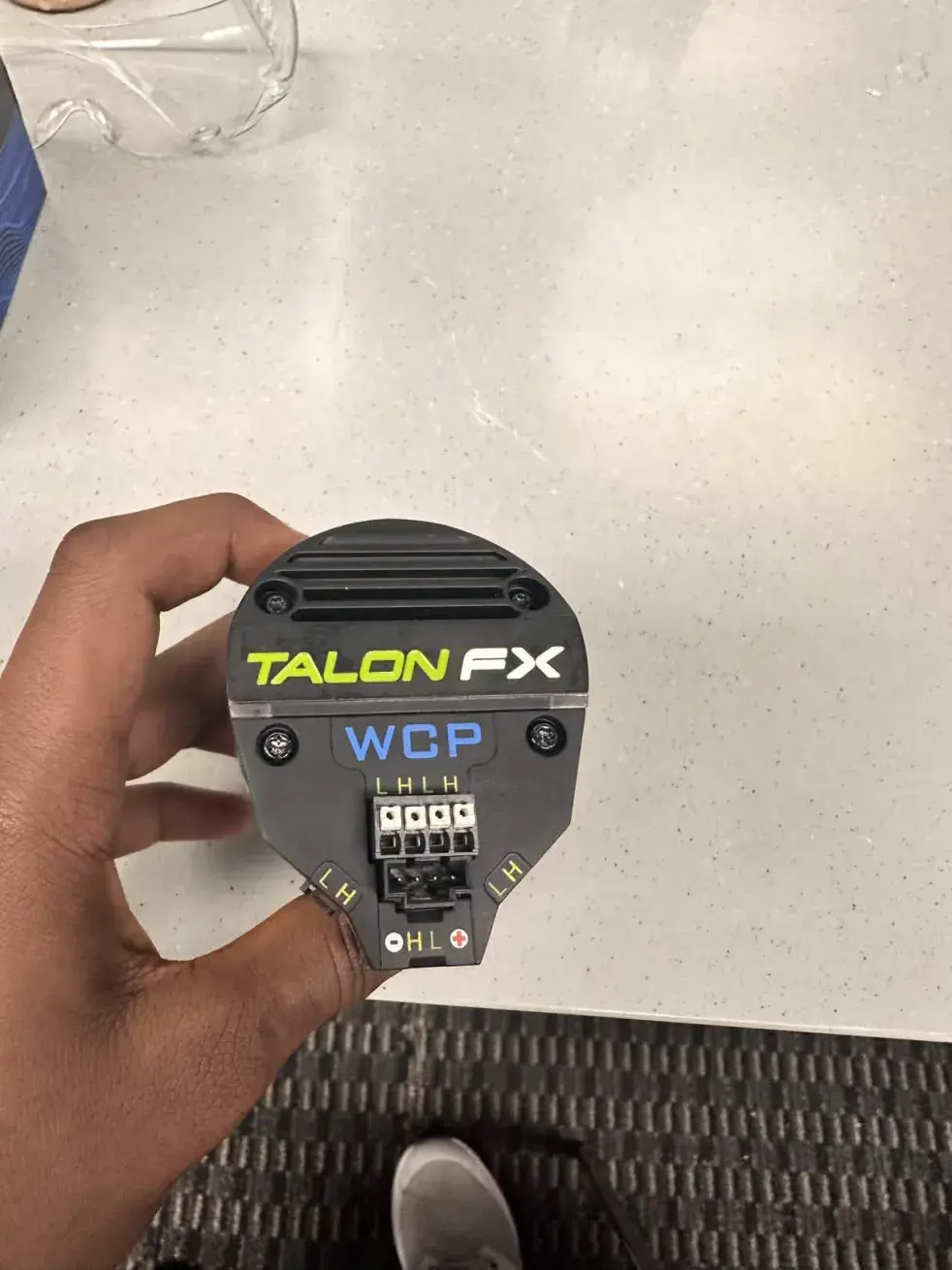
*As you can see, they change the route of both the CAN and Anderson connectors to a right angle, helping in cases where a right-angle solution is needed for wire routing.
What's included with the PCB?
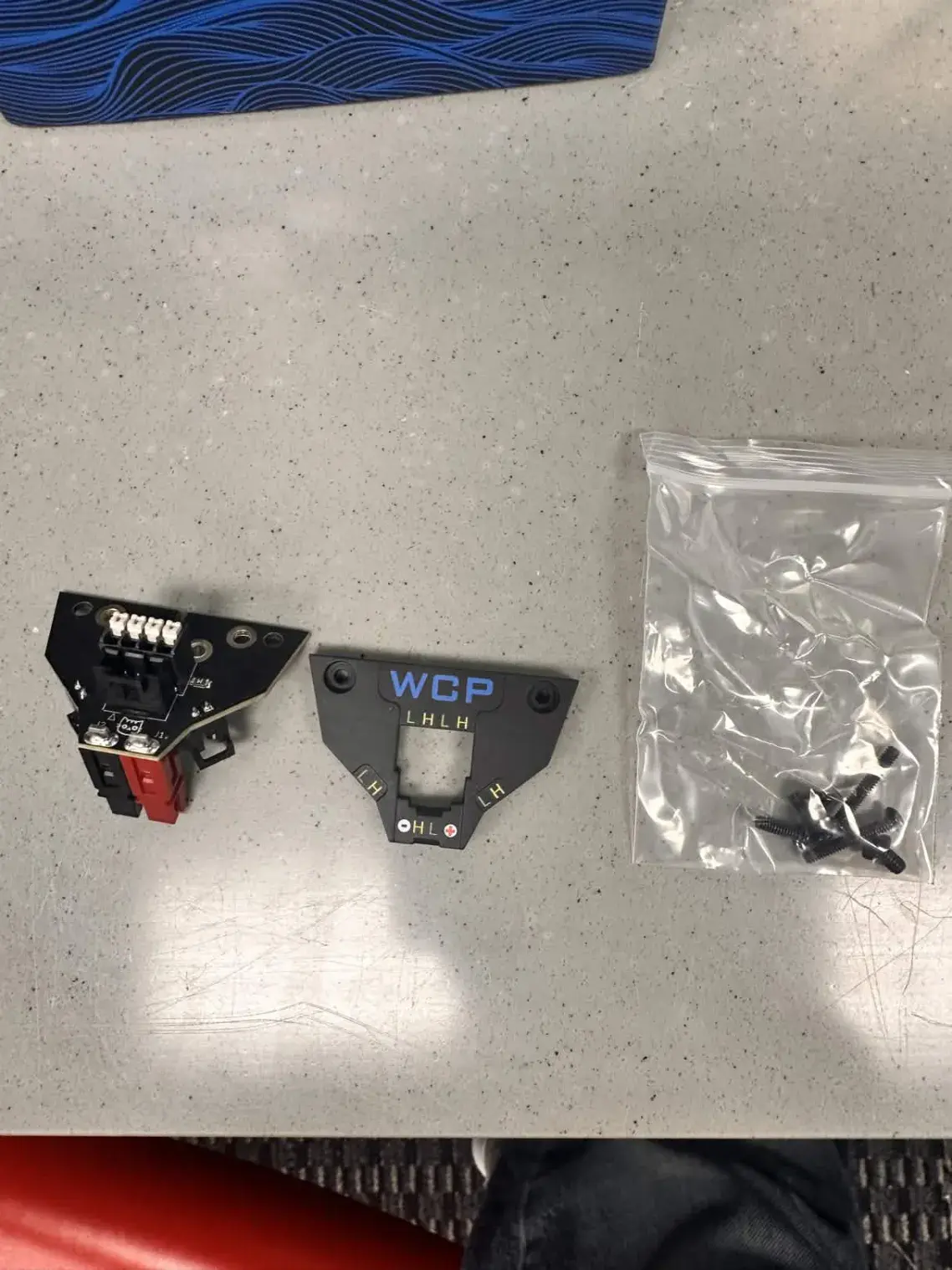
*The PCB comes with the PCB, the cover, and the screws to secure them.
How to install the PCB
The first step is to get the correct screwdriver and bit.
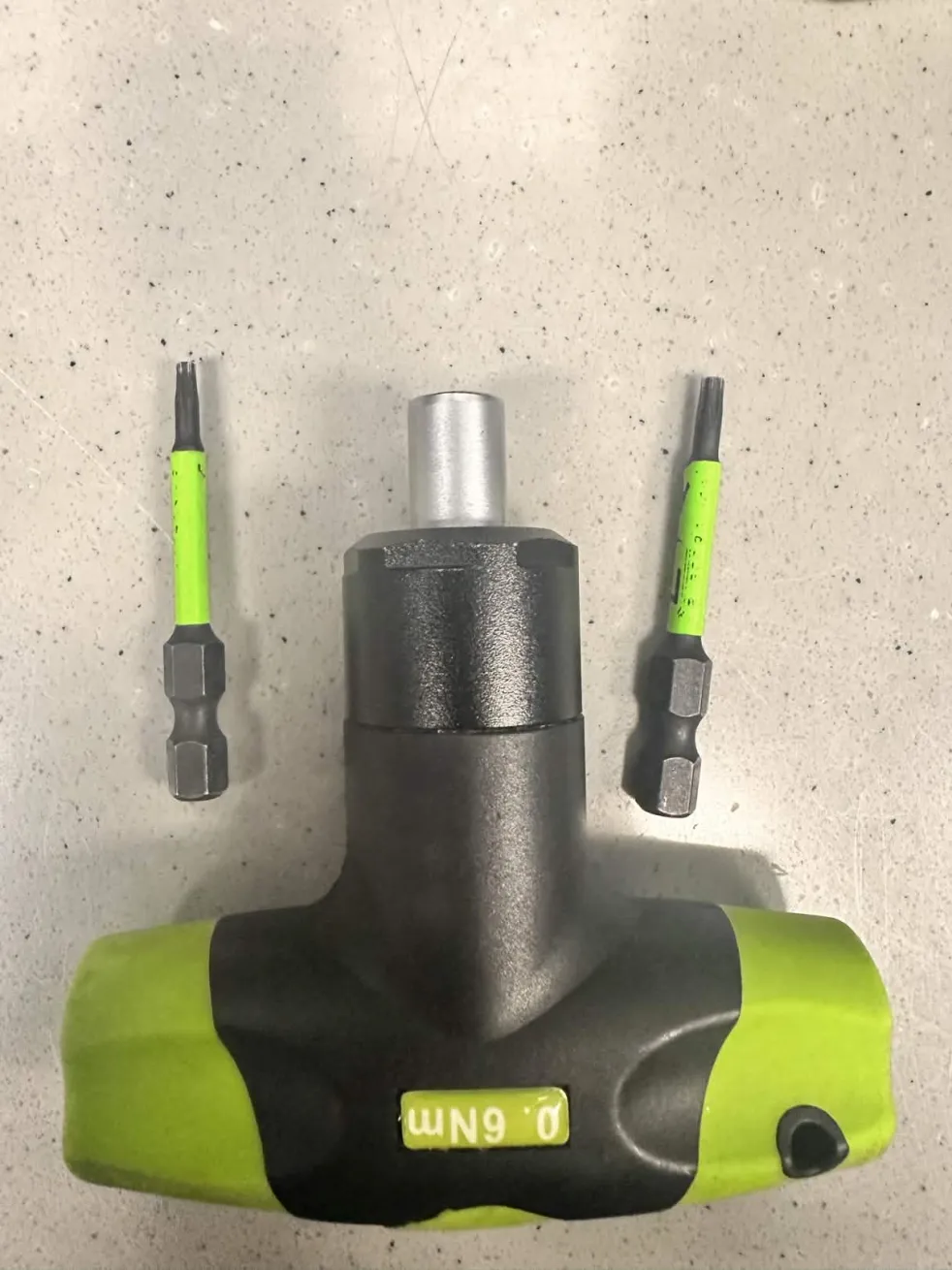
Skip these steps if you're wiring a completely new motor:
If your motor has a cover, unbolt the two screws of the cover
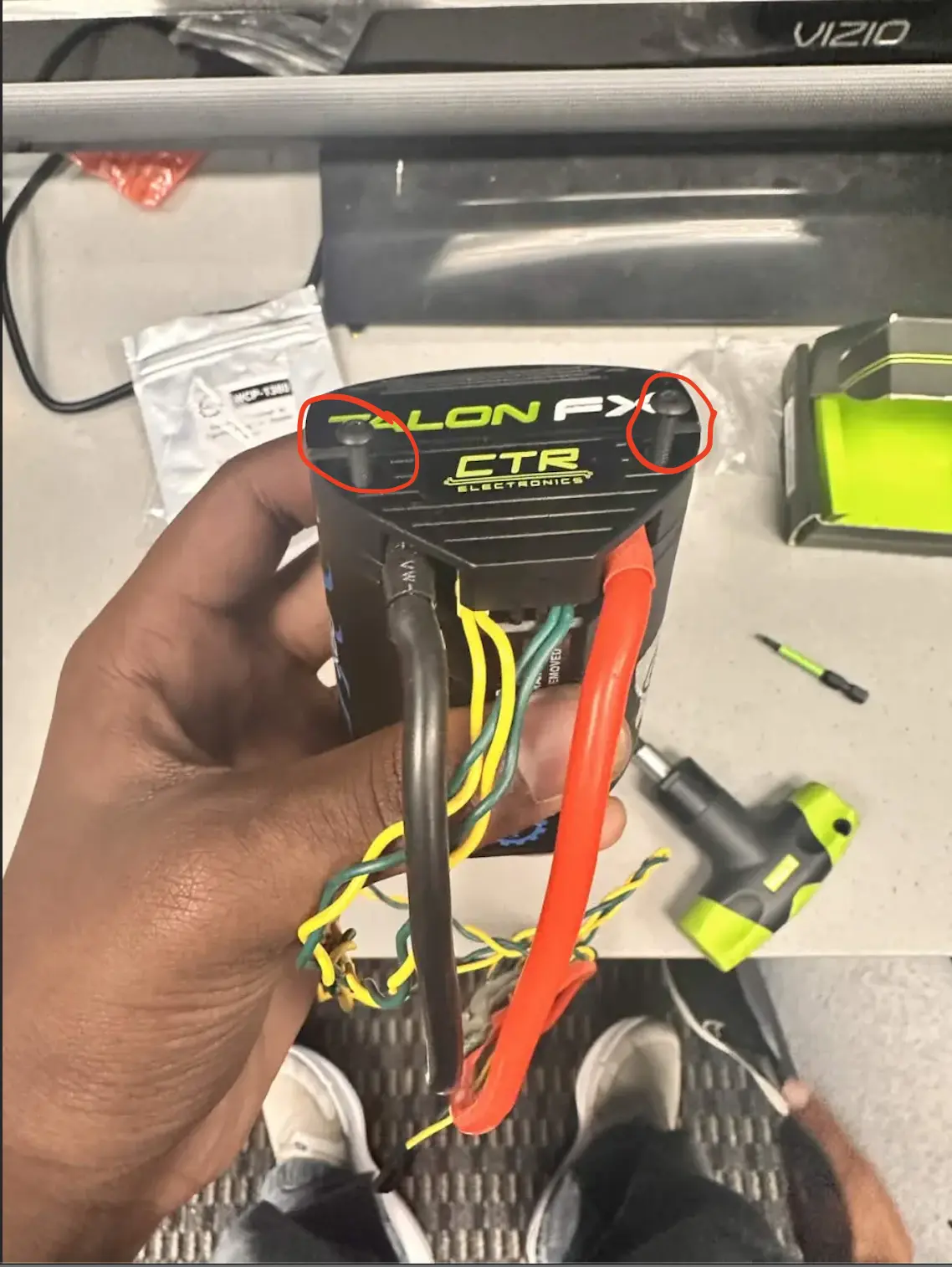
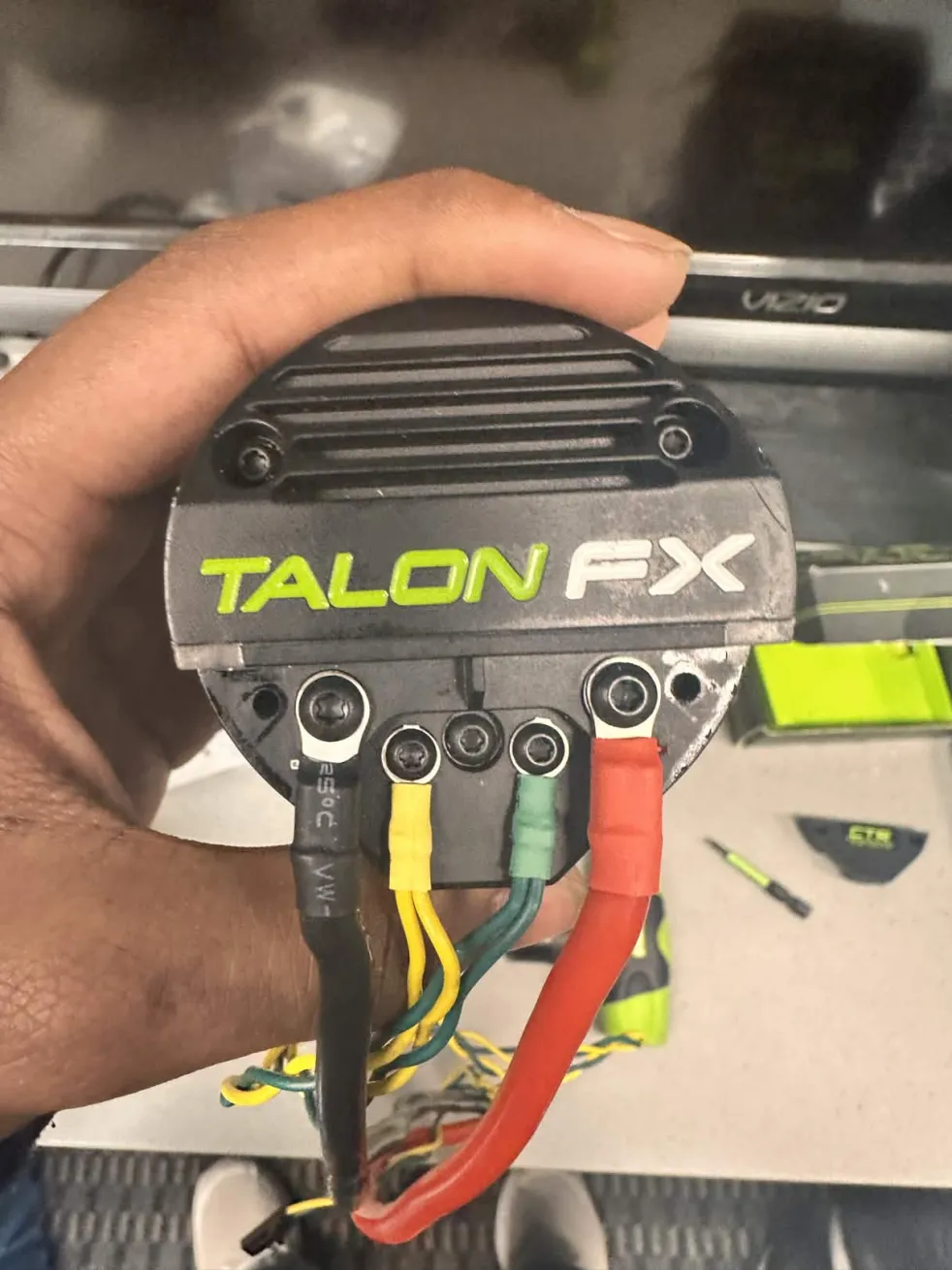
Once you remove the cover, It should look like the image above.
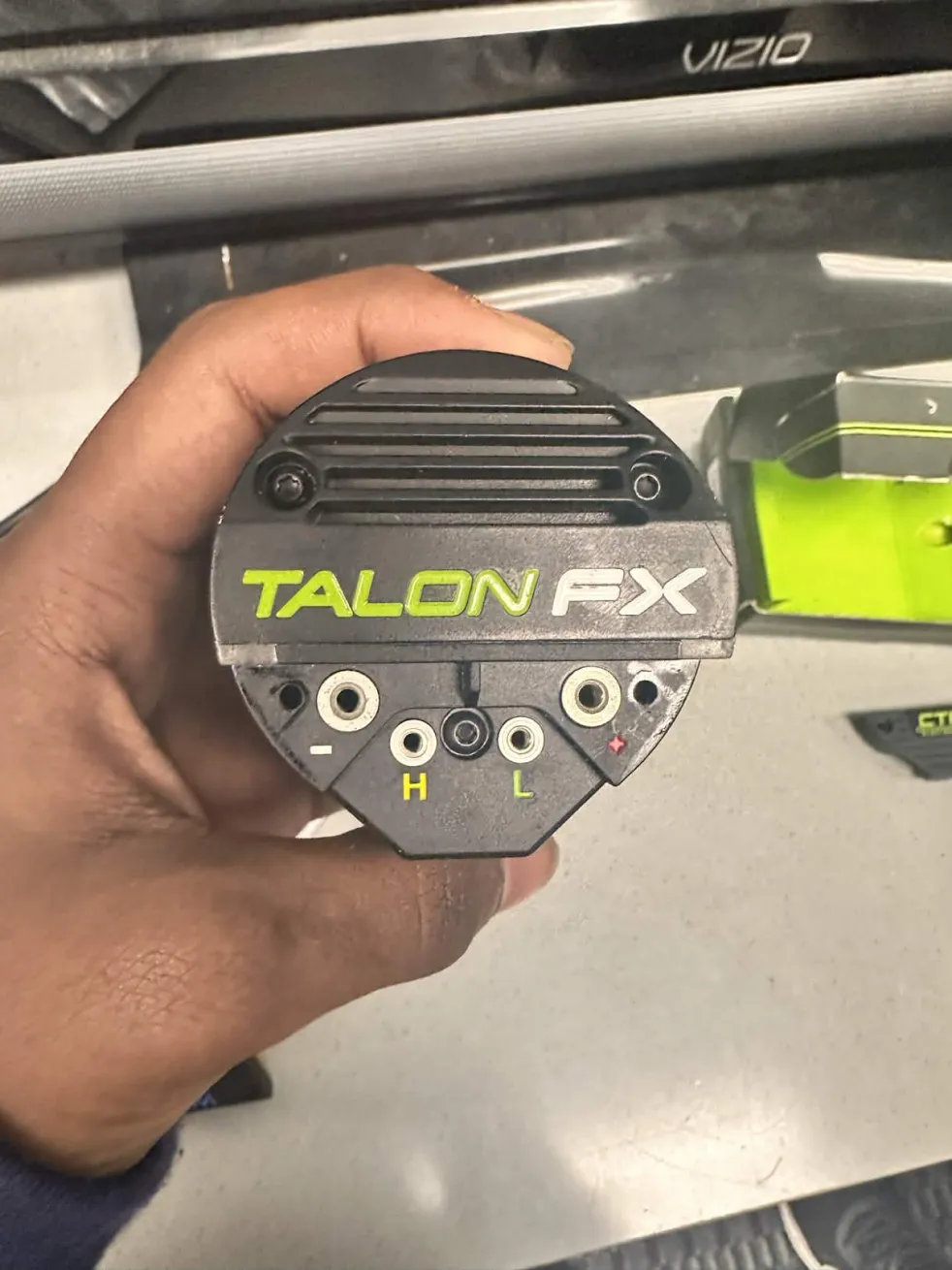
Then unscrew all the screws that clamp the ring terminals for all the wires (CAN and Power), which should look like the image above, 4 empty holes (-, +, H, L).
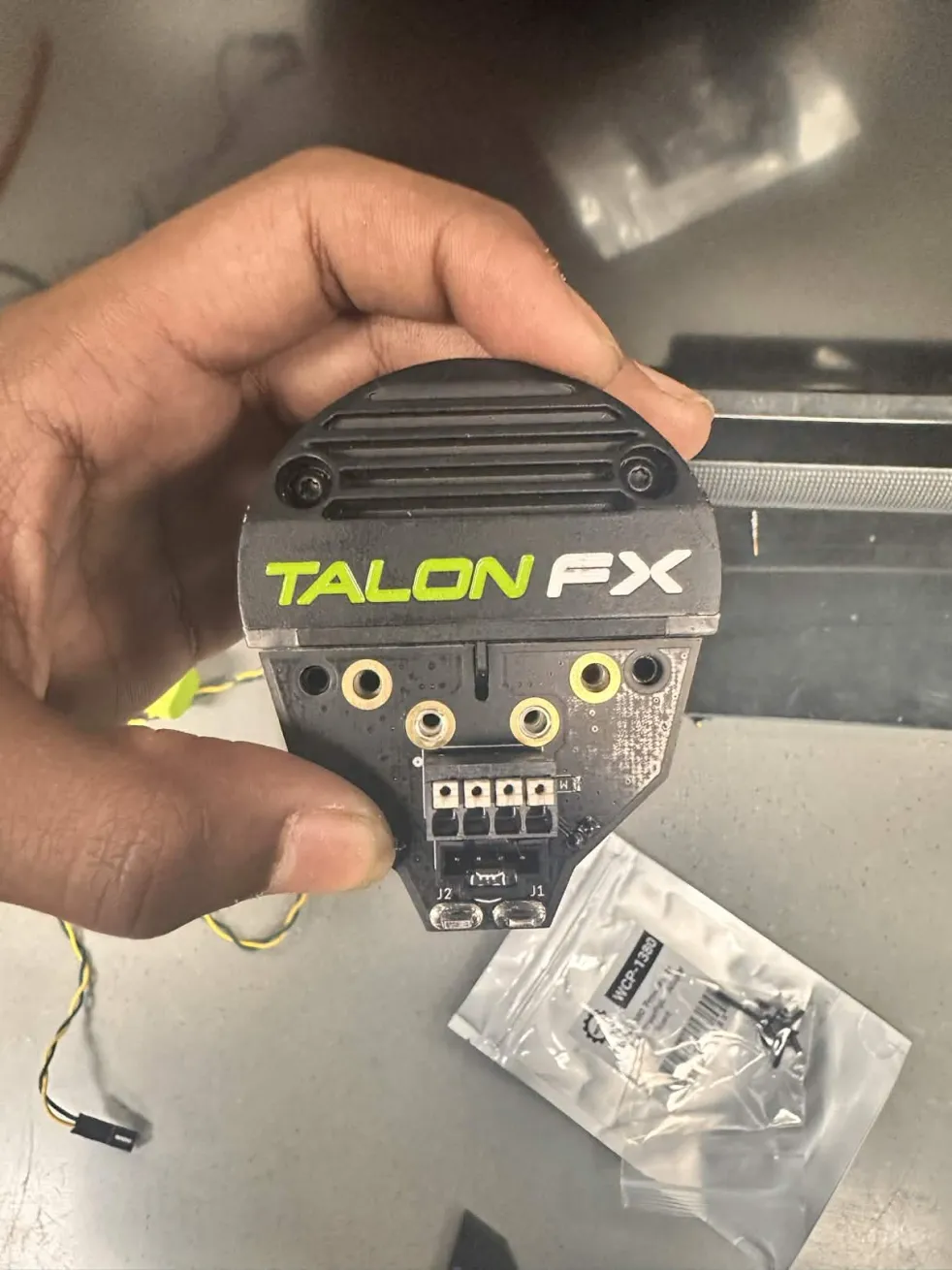
PCB Installation
ALWAYS USE THE SCREWS THAT COME WITH THE PCBS - Anish Mallepally, (2026)
Take the PCB, and align the holes on the PCB onto the holes on the Kraken Motor.
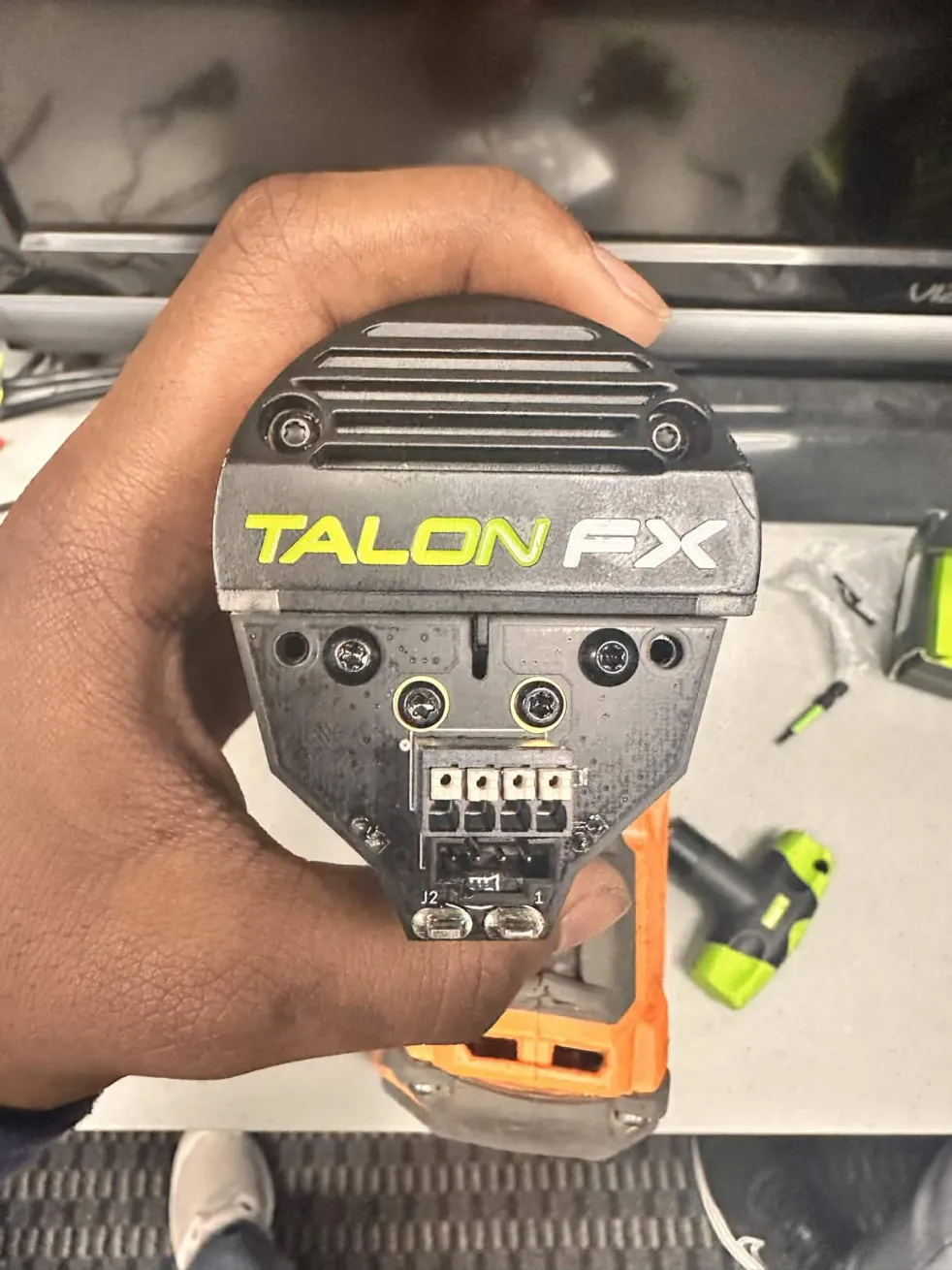
Screw in the holes, and make SURE to use LOCTITE®
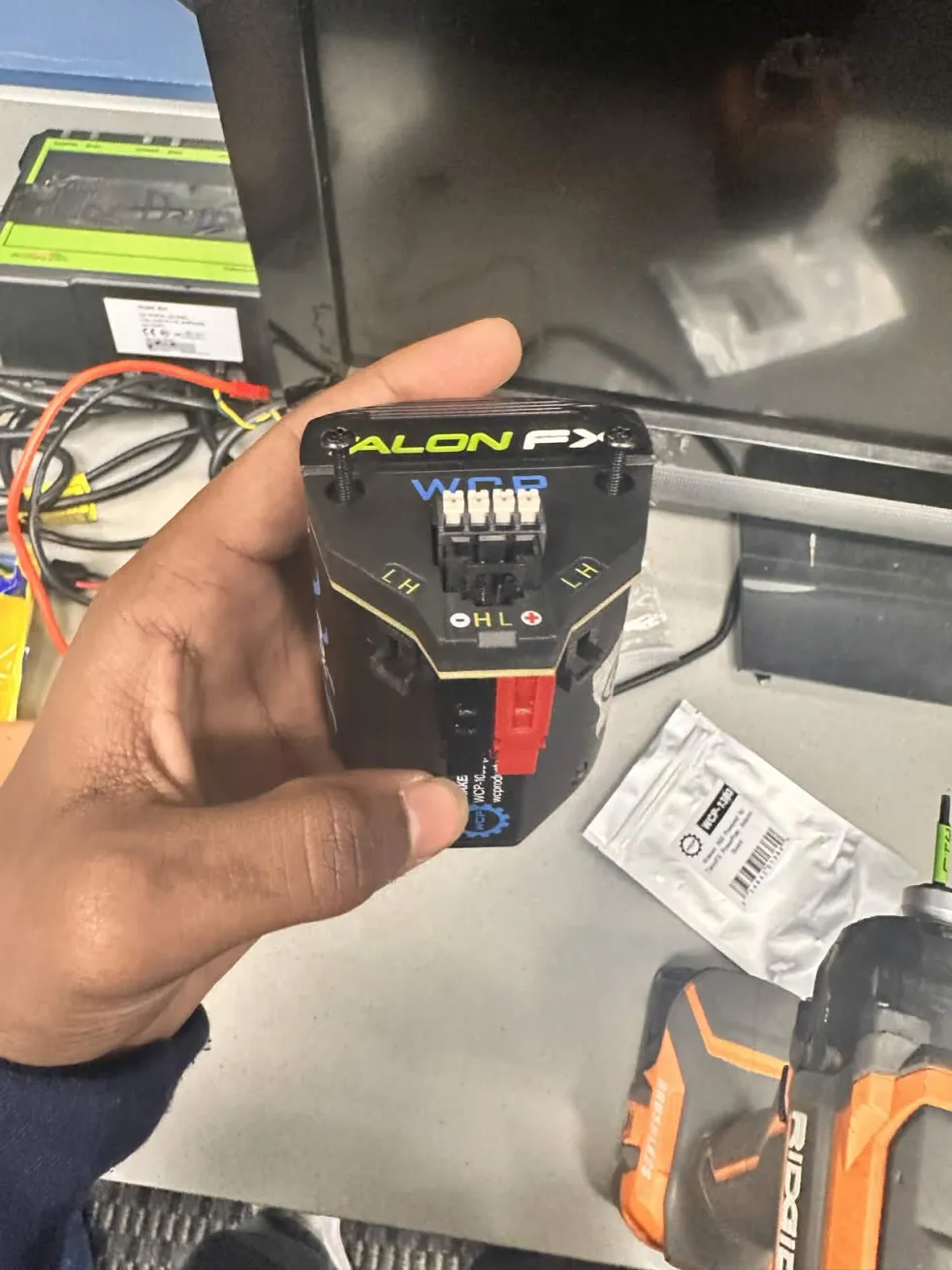
Finally end it off by screwing in the cover, DON'T use LOCTITE® here.
And there you have it, a fully finished TalonFX PowerPole Adapter Board, or a WCP Right Angle Kraken PCB.
MEDIA
Here's an official WCP Tutorial of PCB Installation:
https://youtube.com/shorts/RKLAPSY0UjY?si=c9G2TtTBBfqGsSln
Anish's Tutorial:
Kraken PCB Wiring by Anish
No Comments